
View your routes
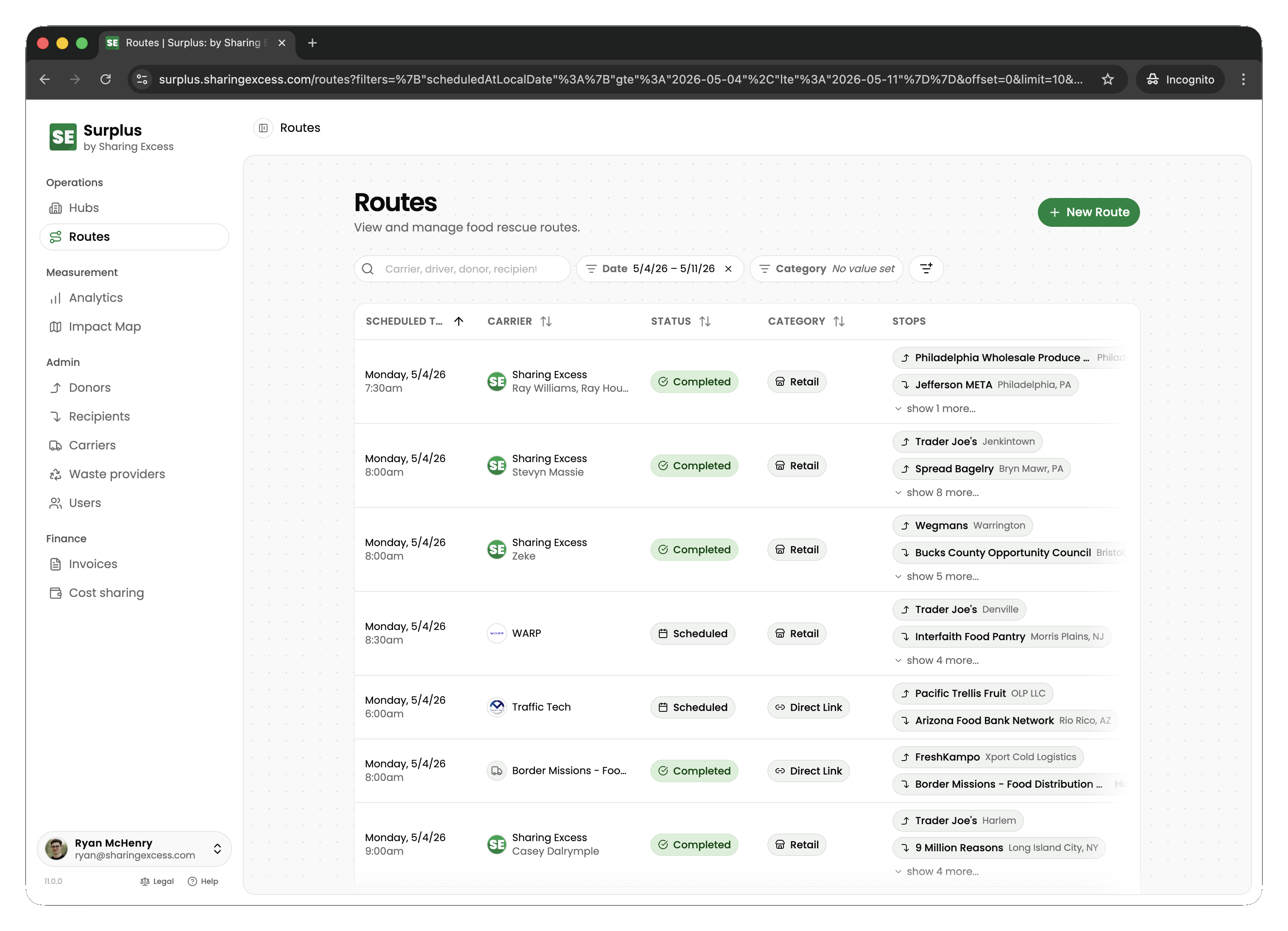
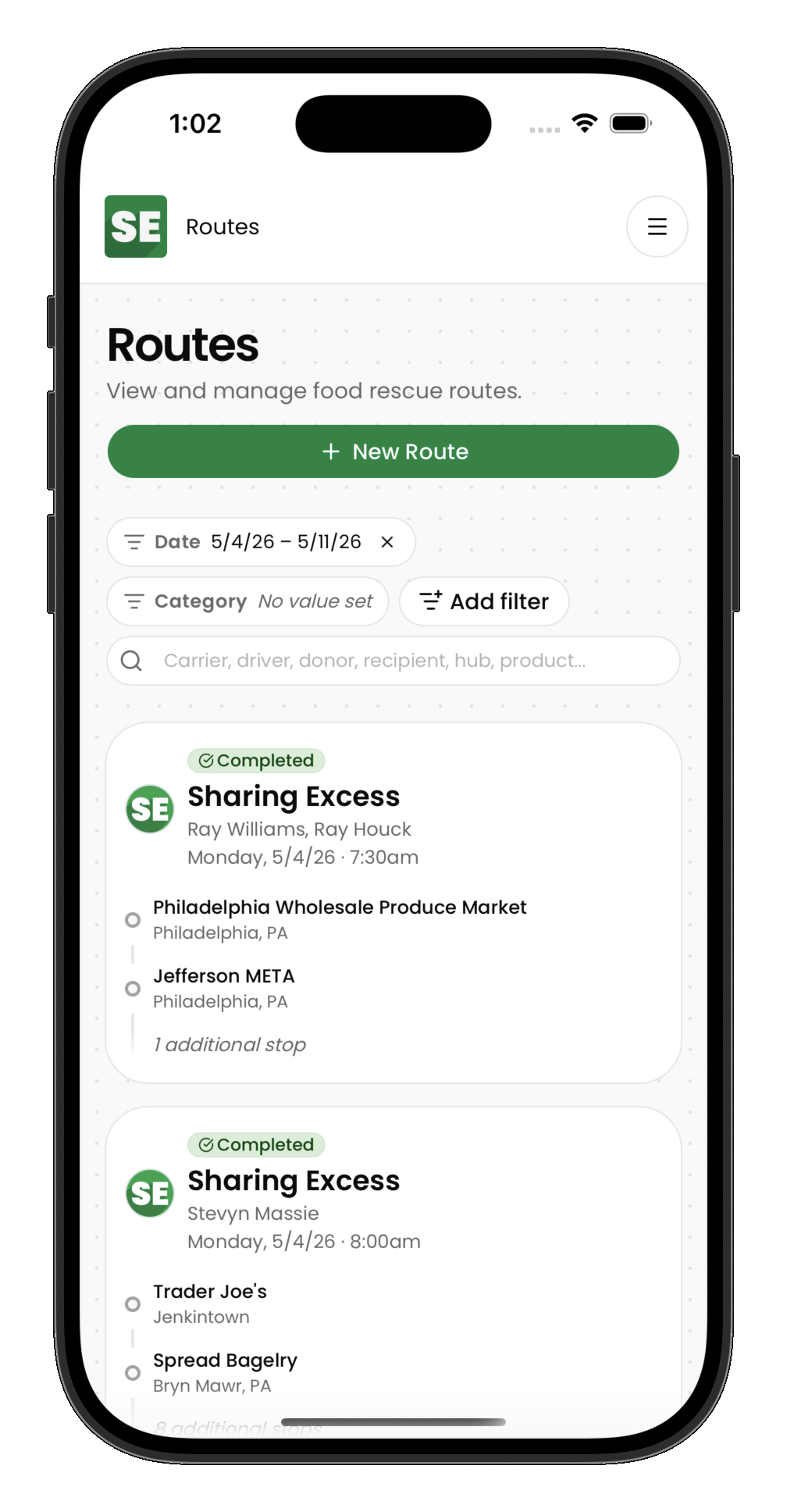
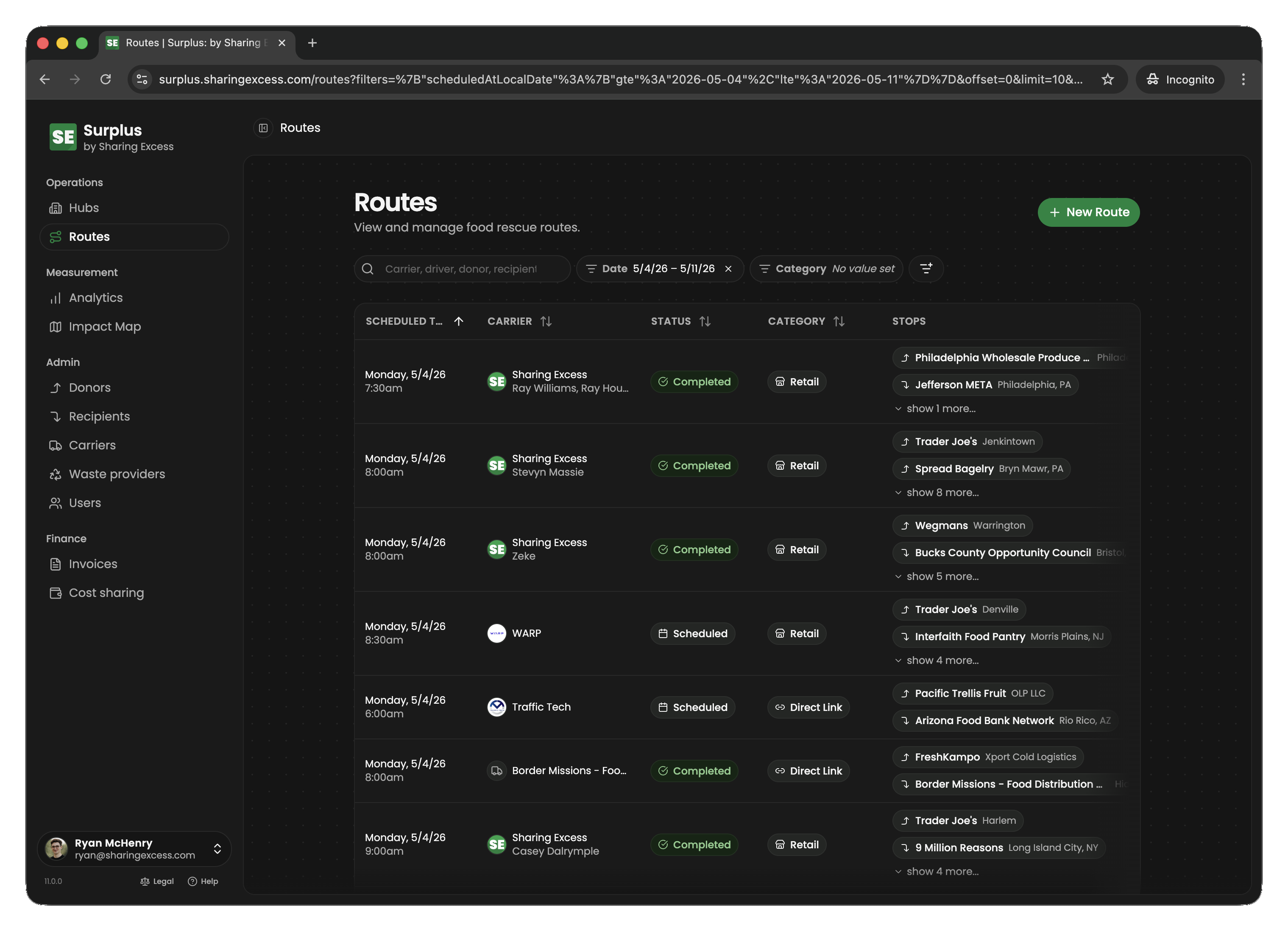
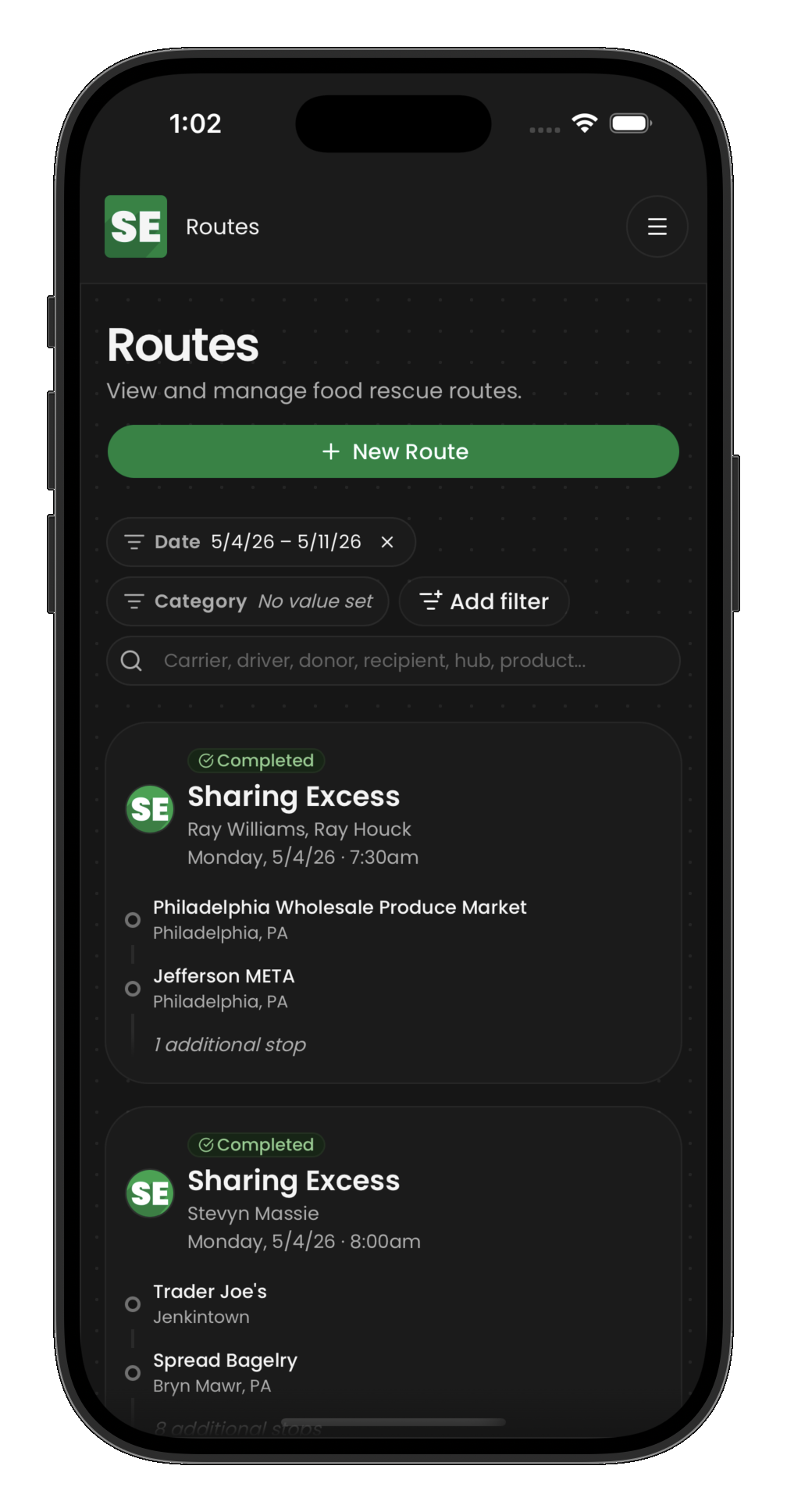
Open the Routes section to see routes assigned to you. Each route shows:
- The date and scheduled time
- Number of stops
- Current status (scheduled, active, or completed)
Tap a route to see its full details and stop list.
Route statuses
| Status | Meaning |
|---|---|
| Scheduled | Planned, not started yet |
| Active | In progress — you are on the road |
| Completed | All stops done and your vehicle is empty |
Next steps
Once you find your route, continue with Complete a route to activate it and work through each stop.