
Platform overview
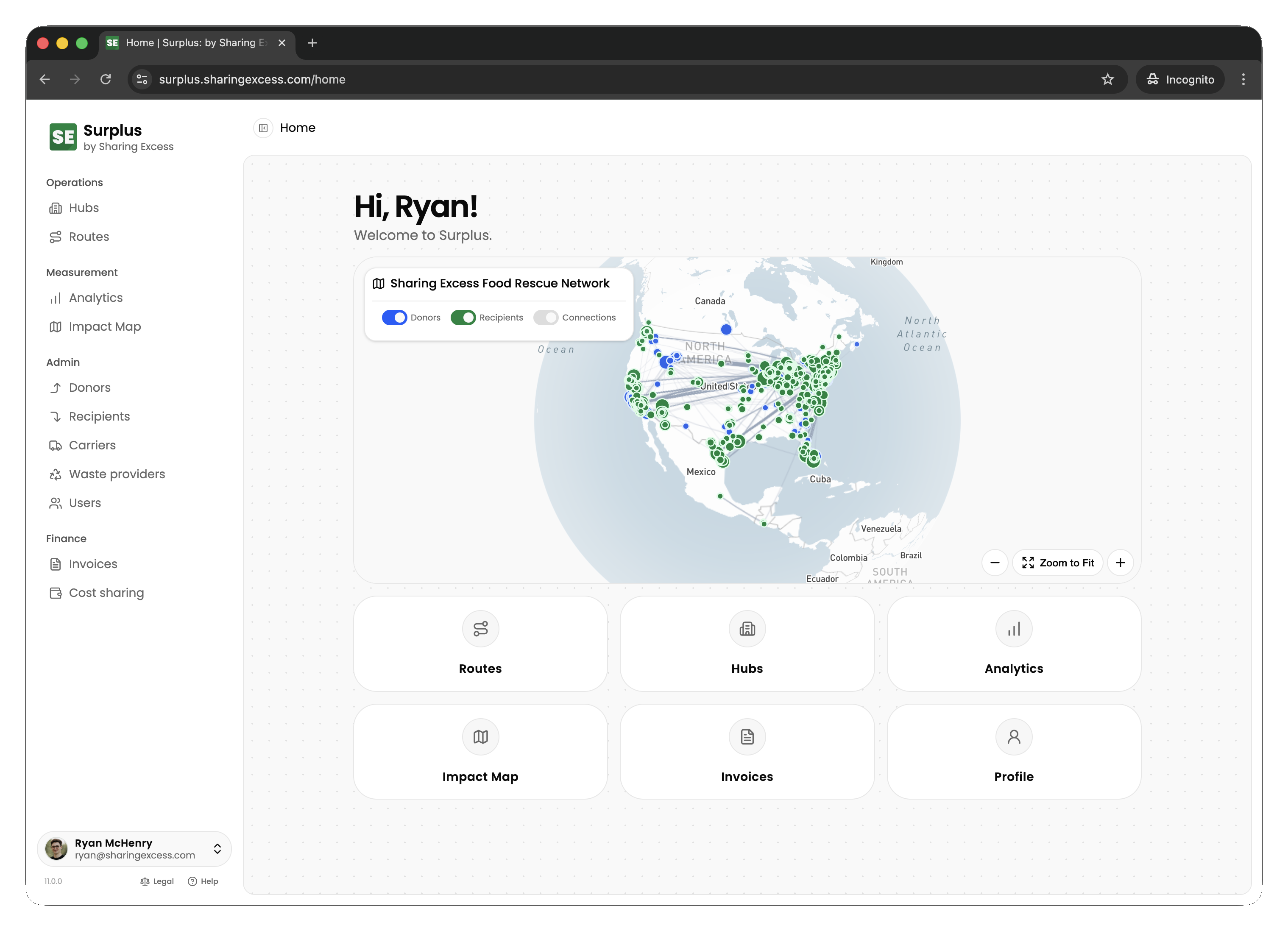
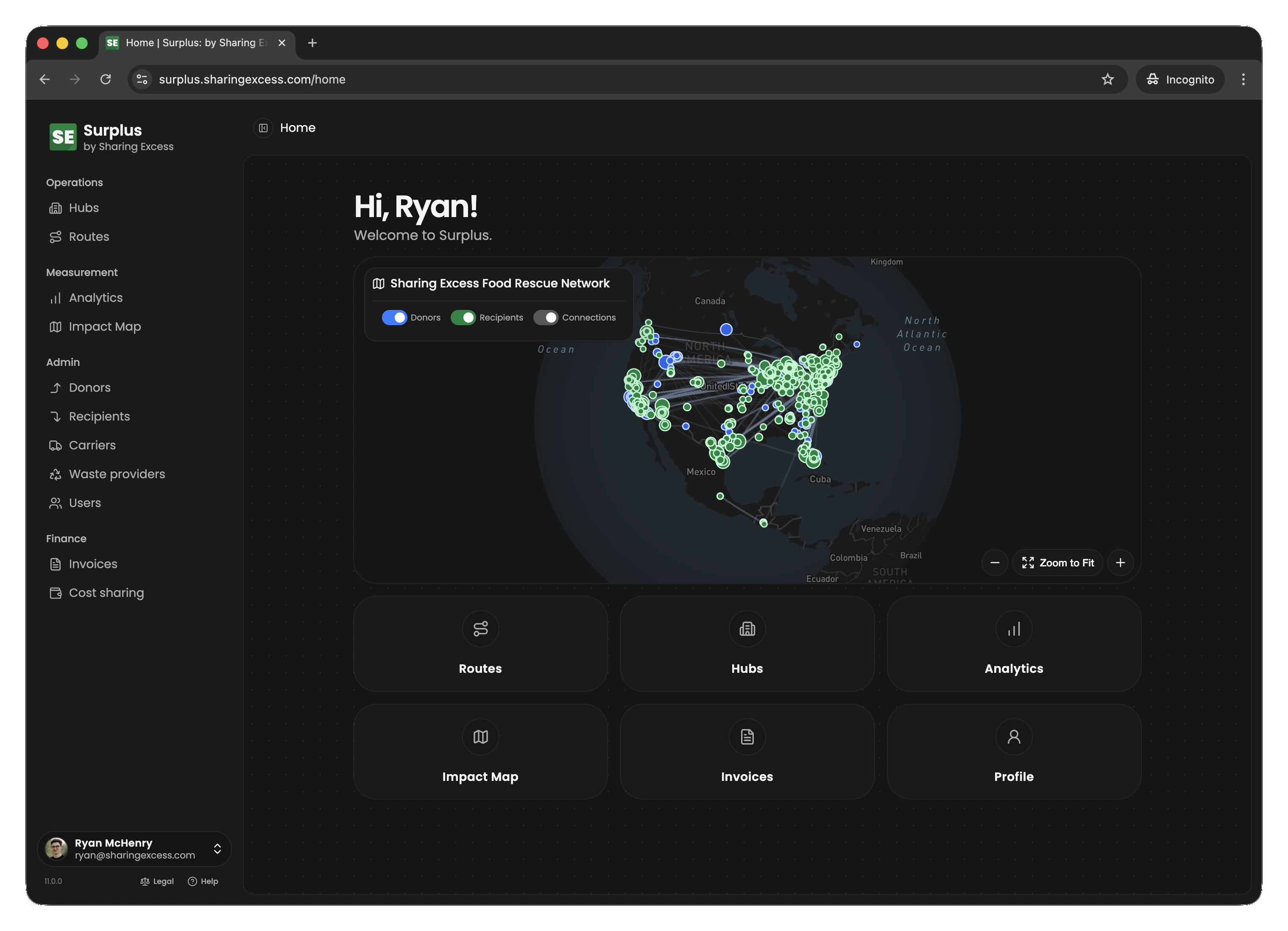
Surplus coordinates food rescue — moving surplus food from donors through hubs to recipients while tracking every pound for impact reporting.
Who uses Surplus
Access is controlled by permissions on your account. A person may have more than one capability.
Admins (coordinators and staff)
Program administrators schedule routes, manage hub inventory, maintain organization records, and access full analytics. They can also cancel routes and un-complete events when corrections are needed.
Drivers
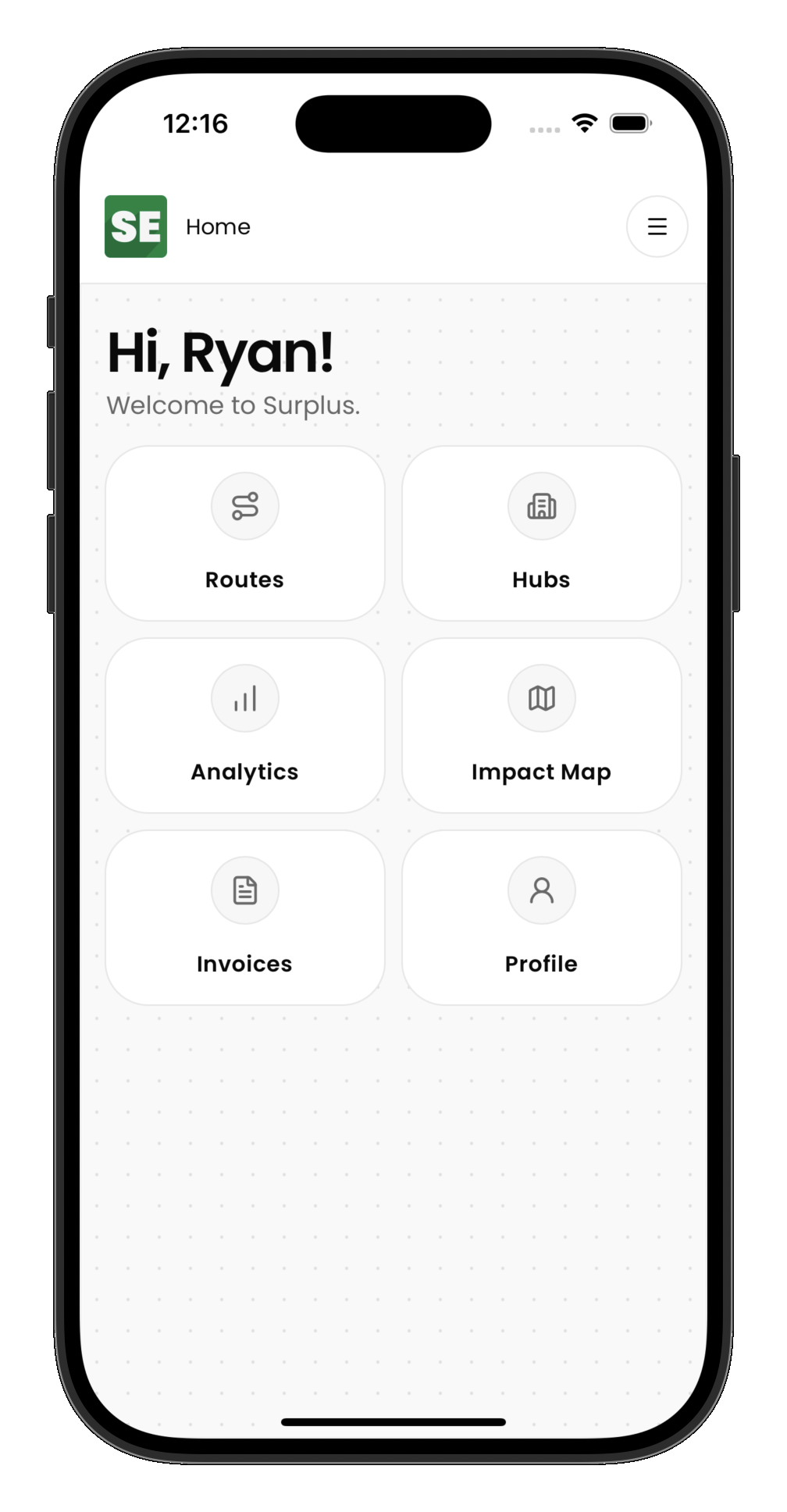
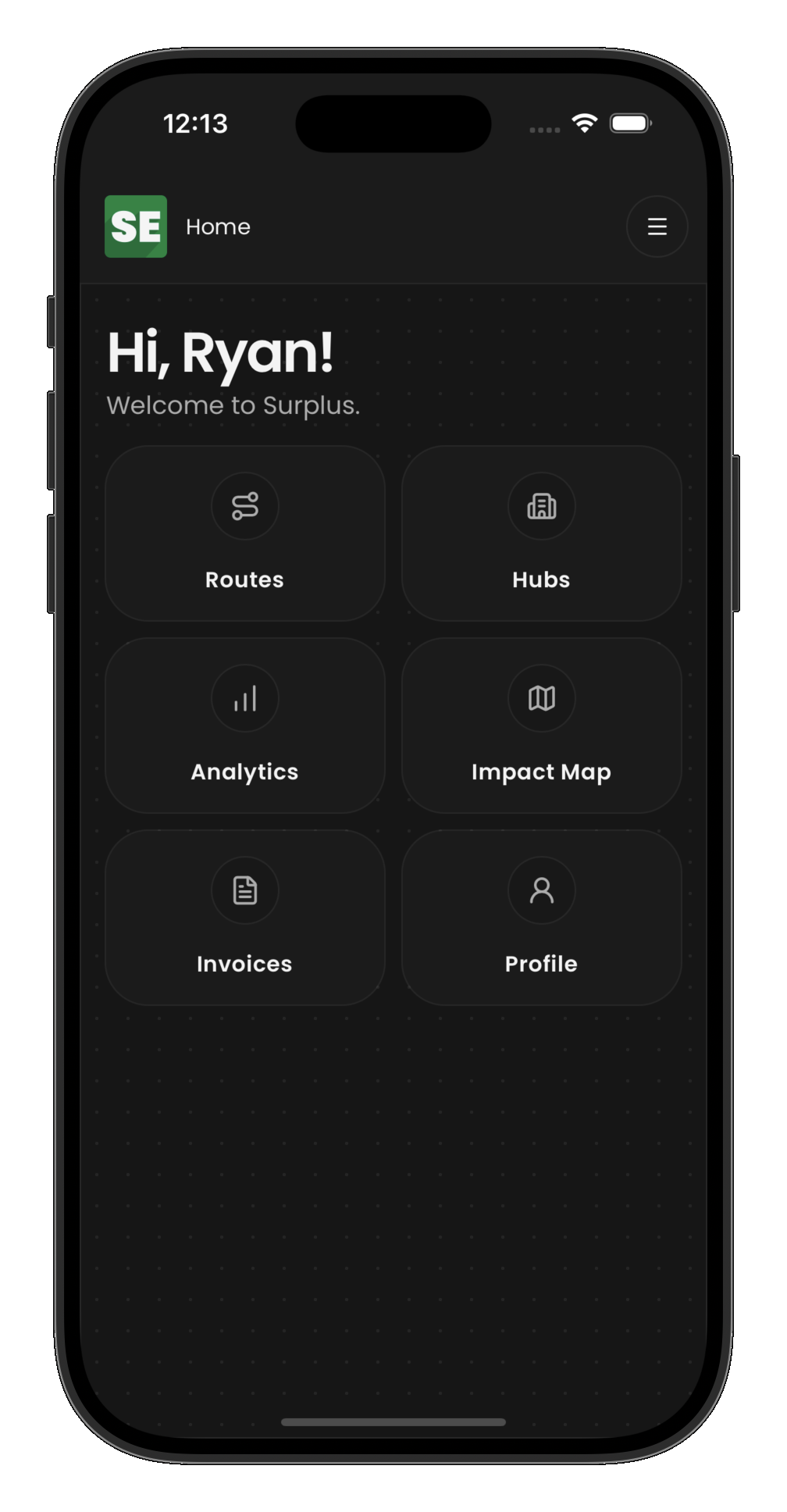
Drivers execute assigned routes in the field — recording pickups, deliveries, and hub load/unload stops in sequence from their phone.
Food donors
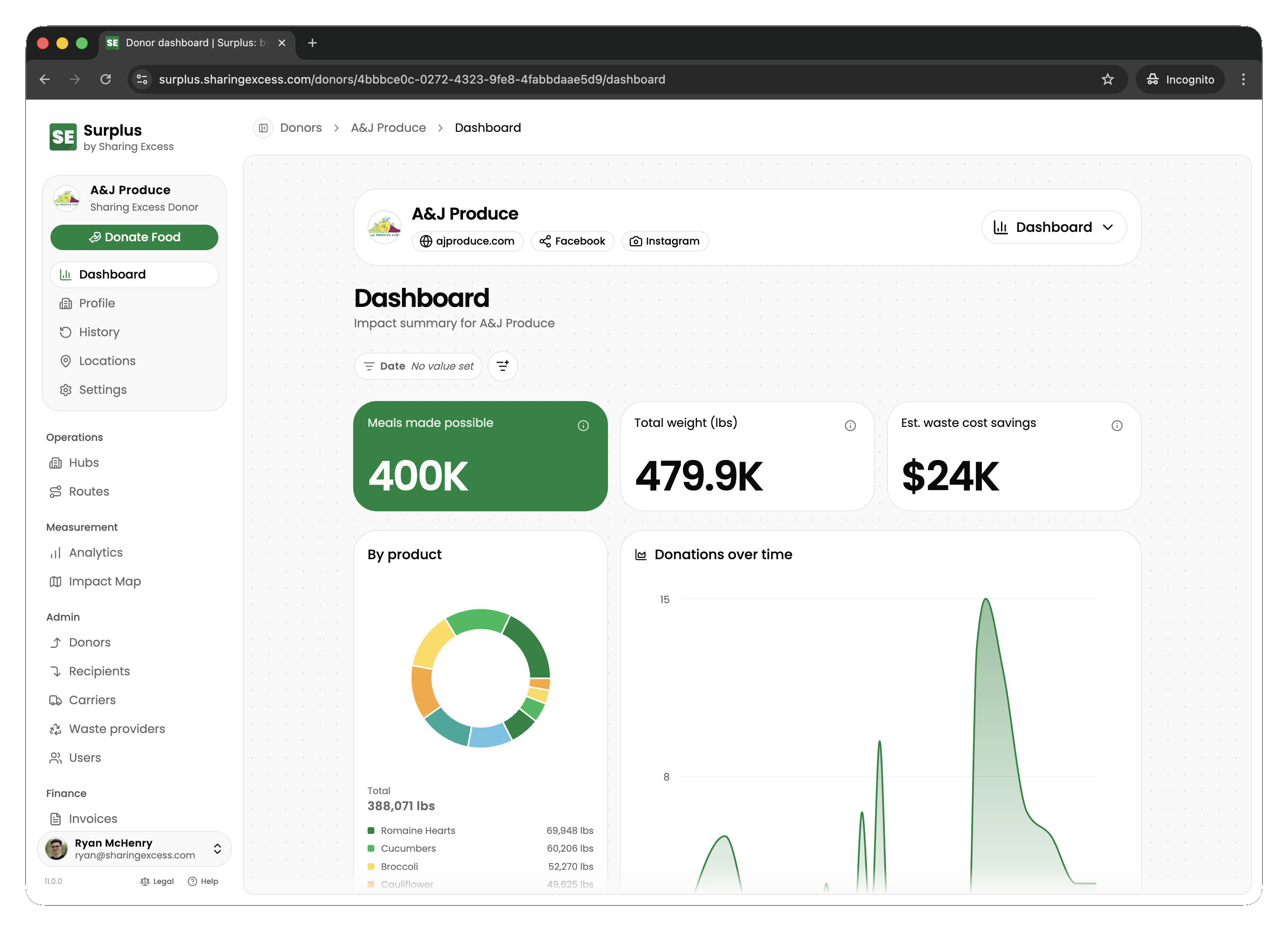
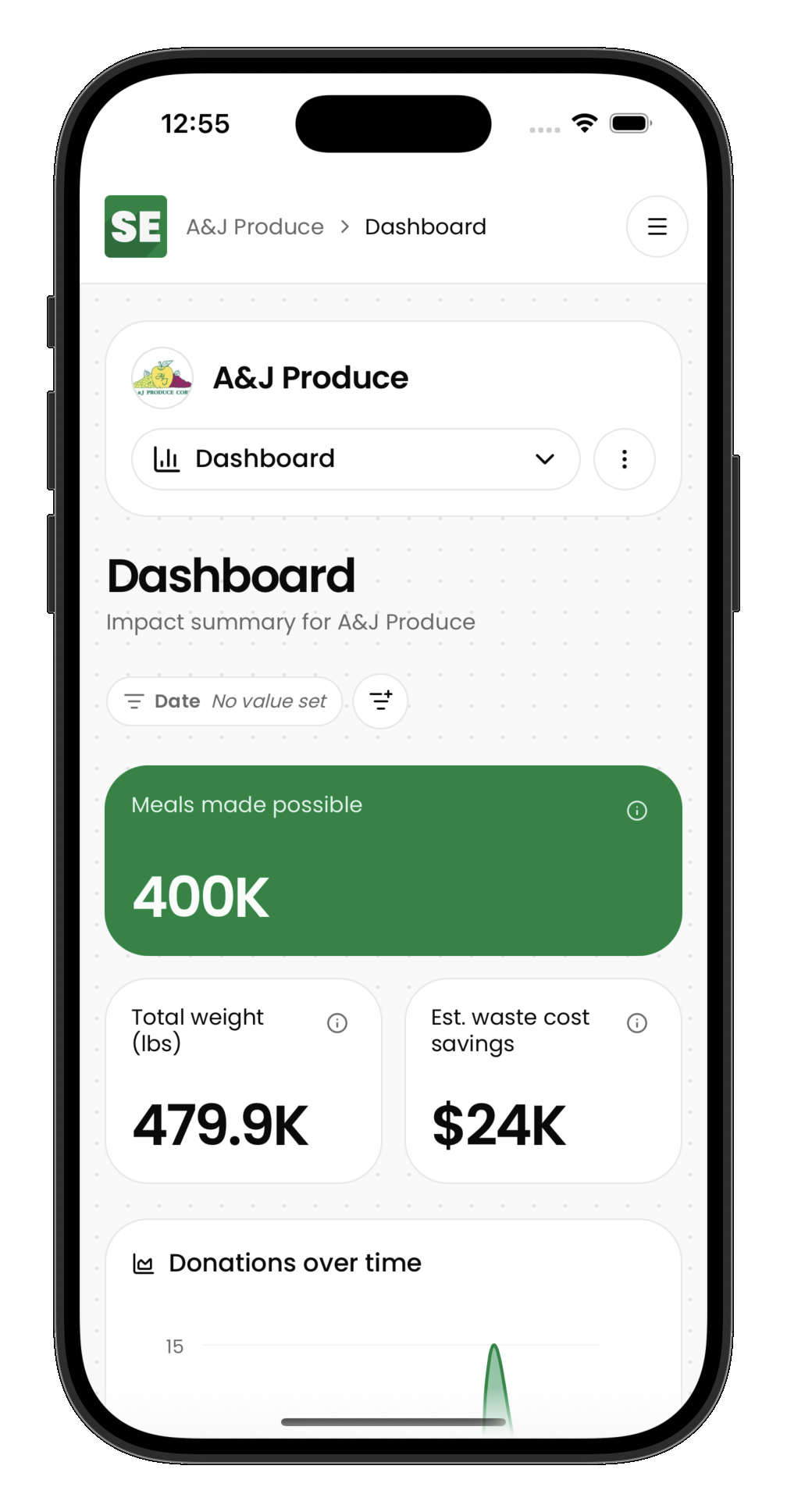
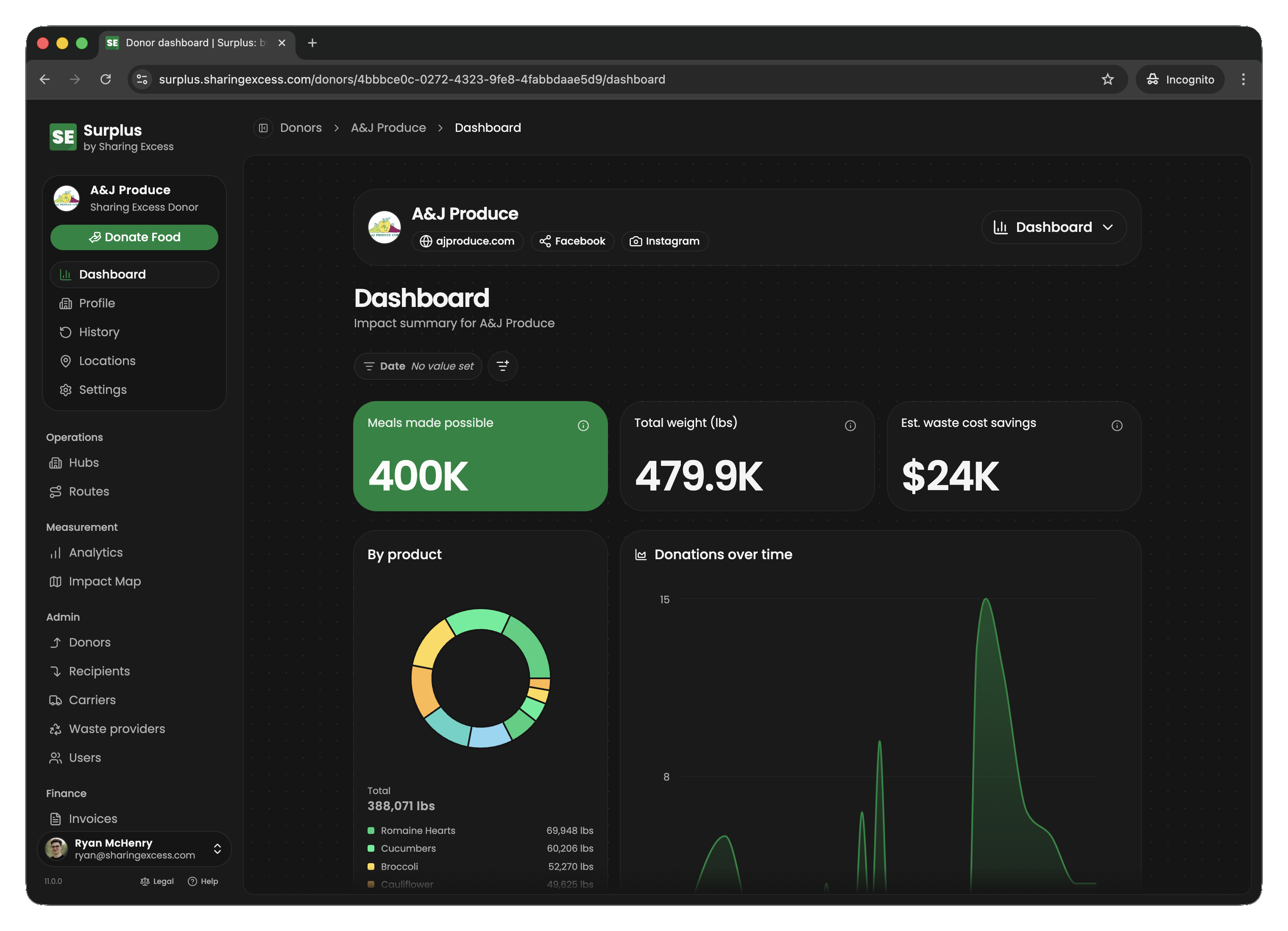
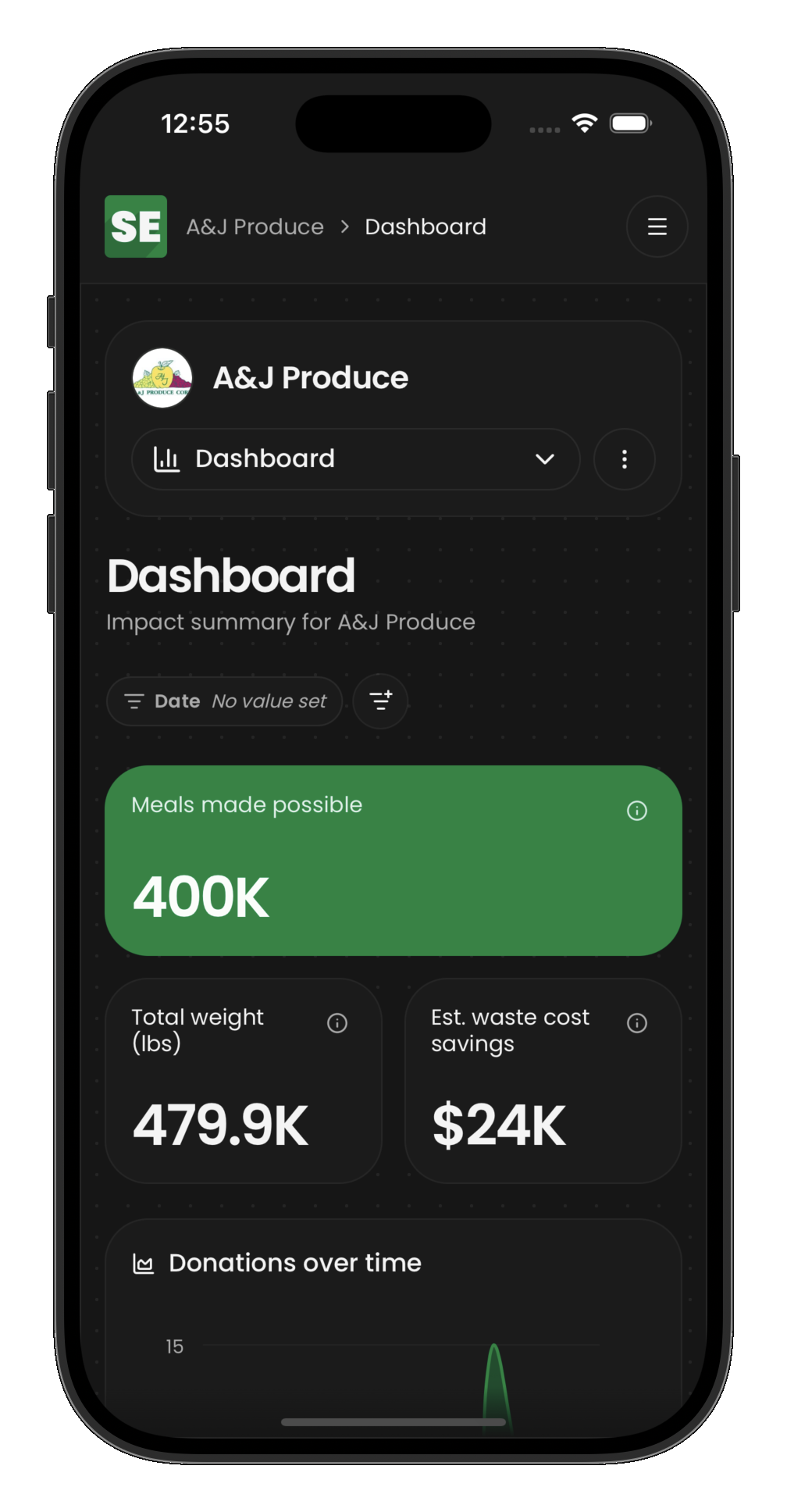
Donor organizations see upcoming collections, collection history, and impact metrics scoped to their own locations.
Food recipients
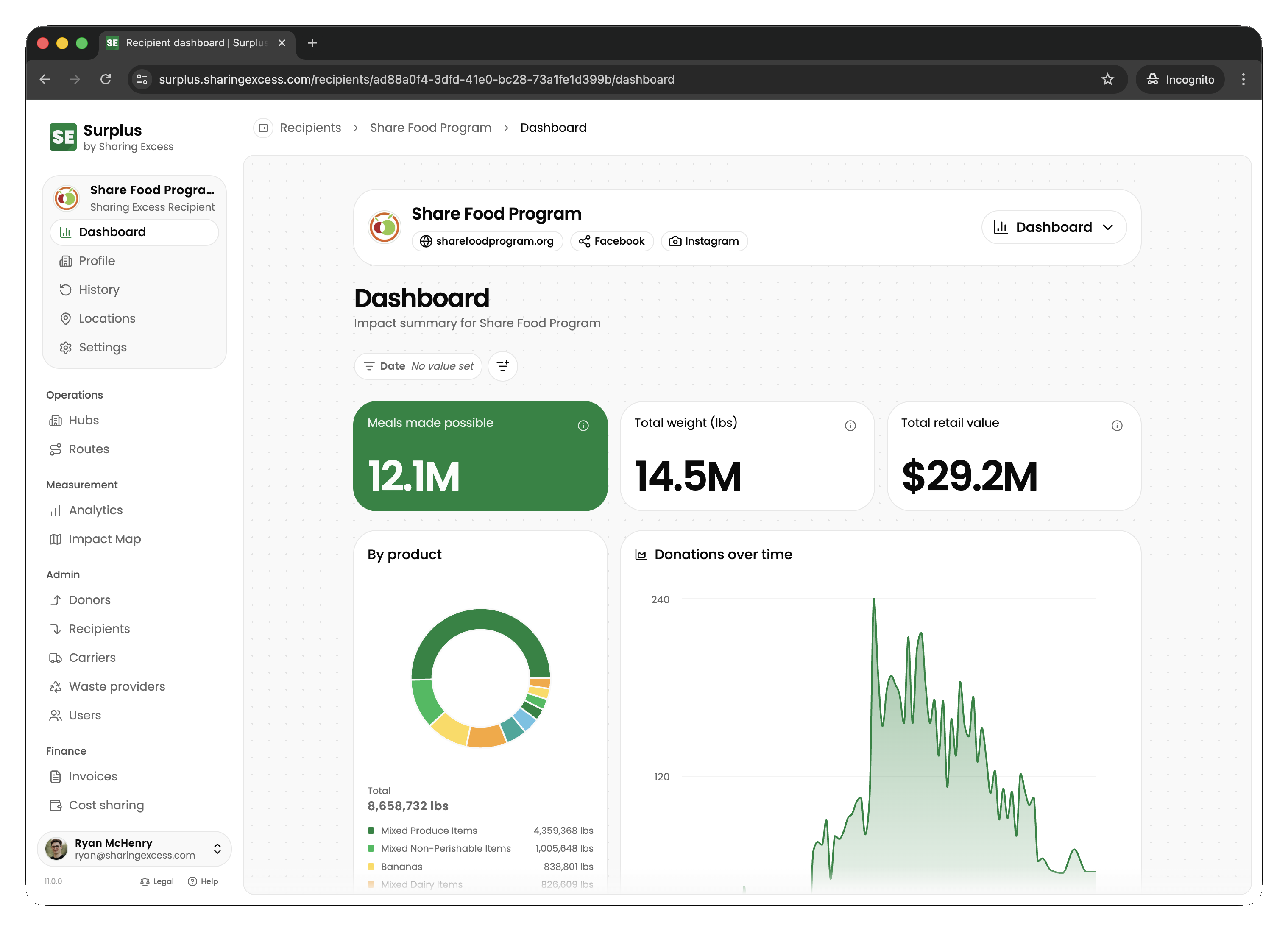
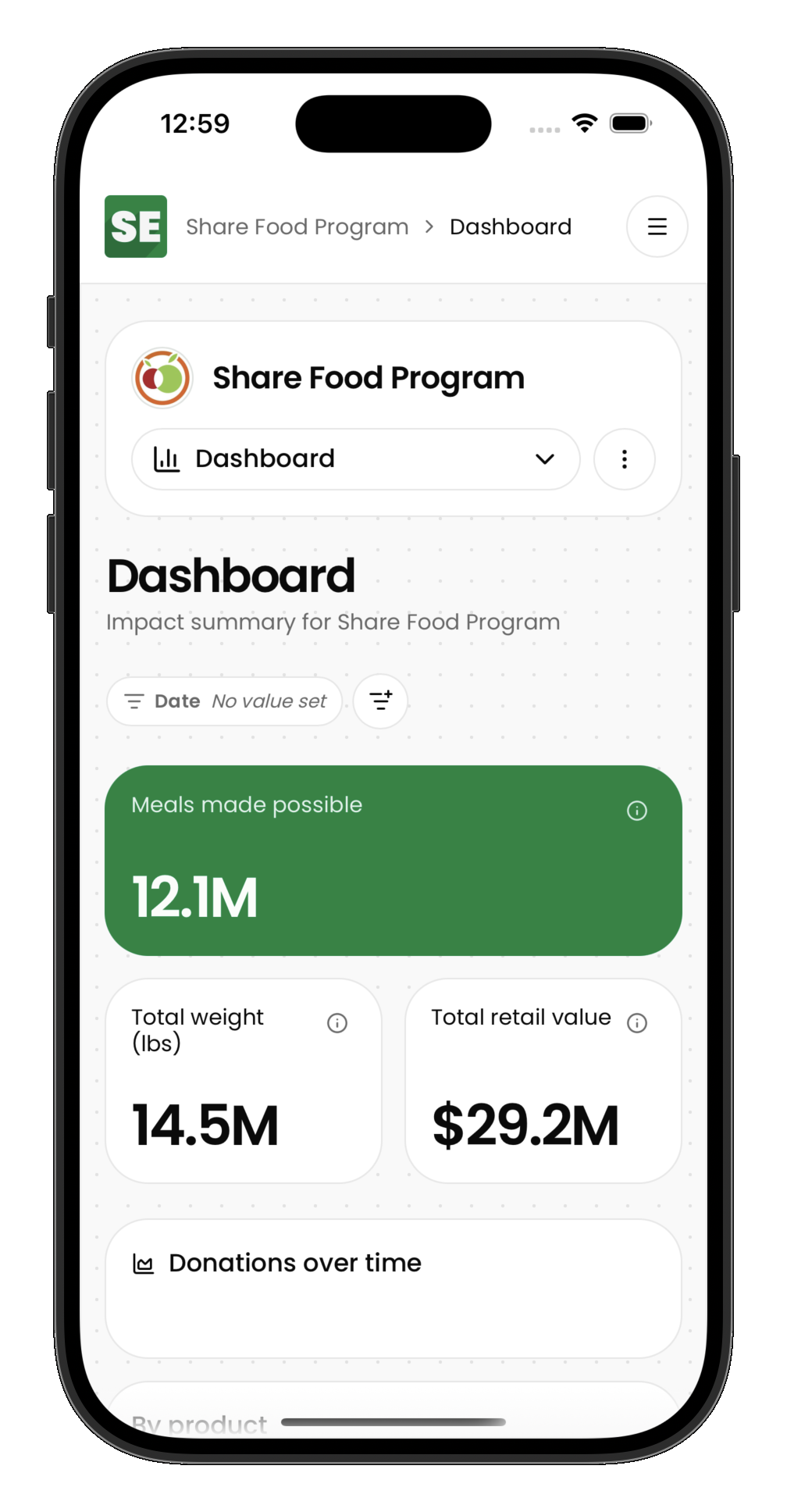
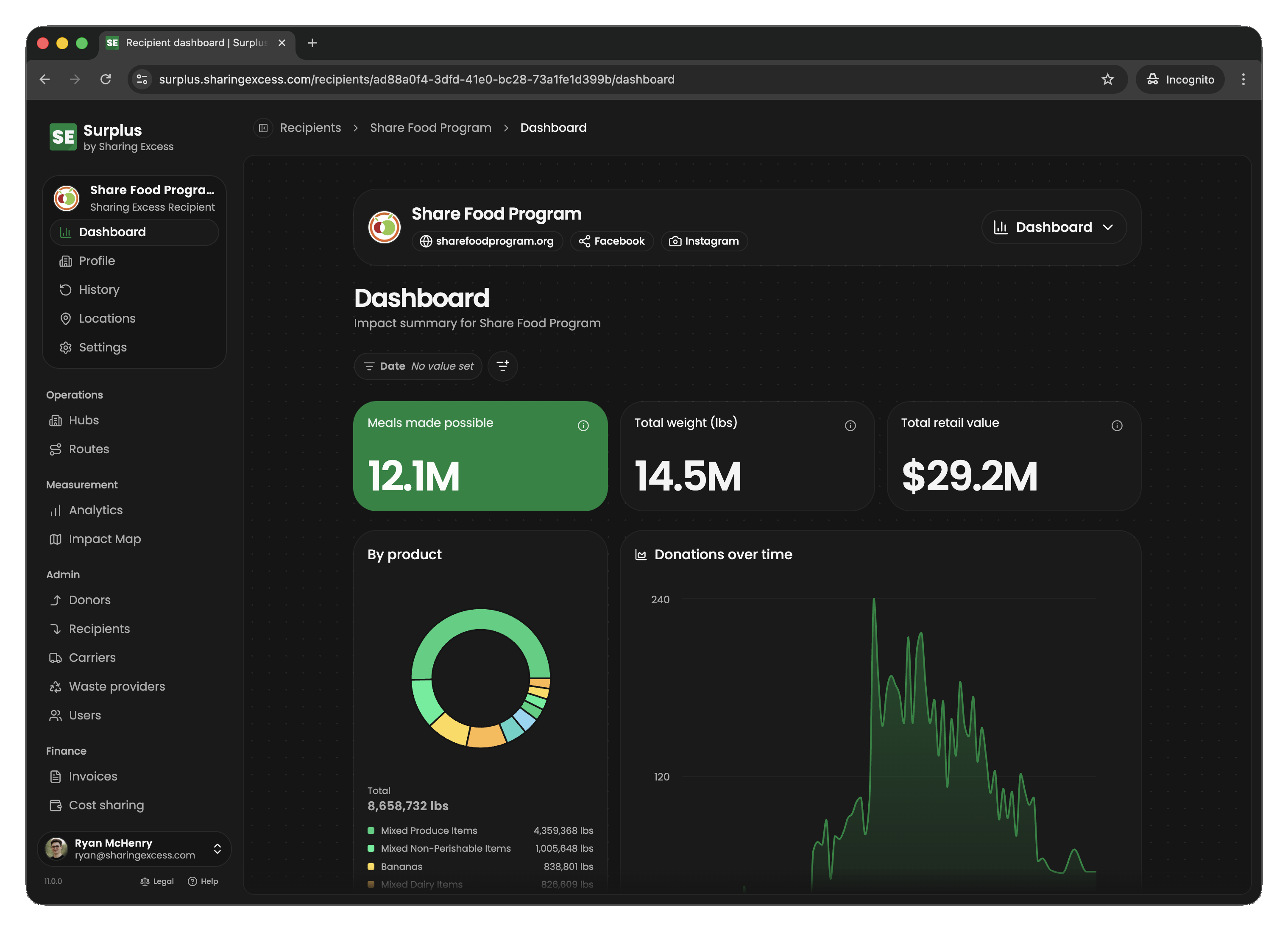
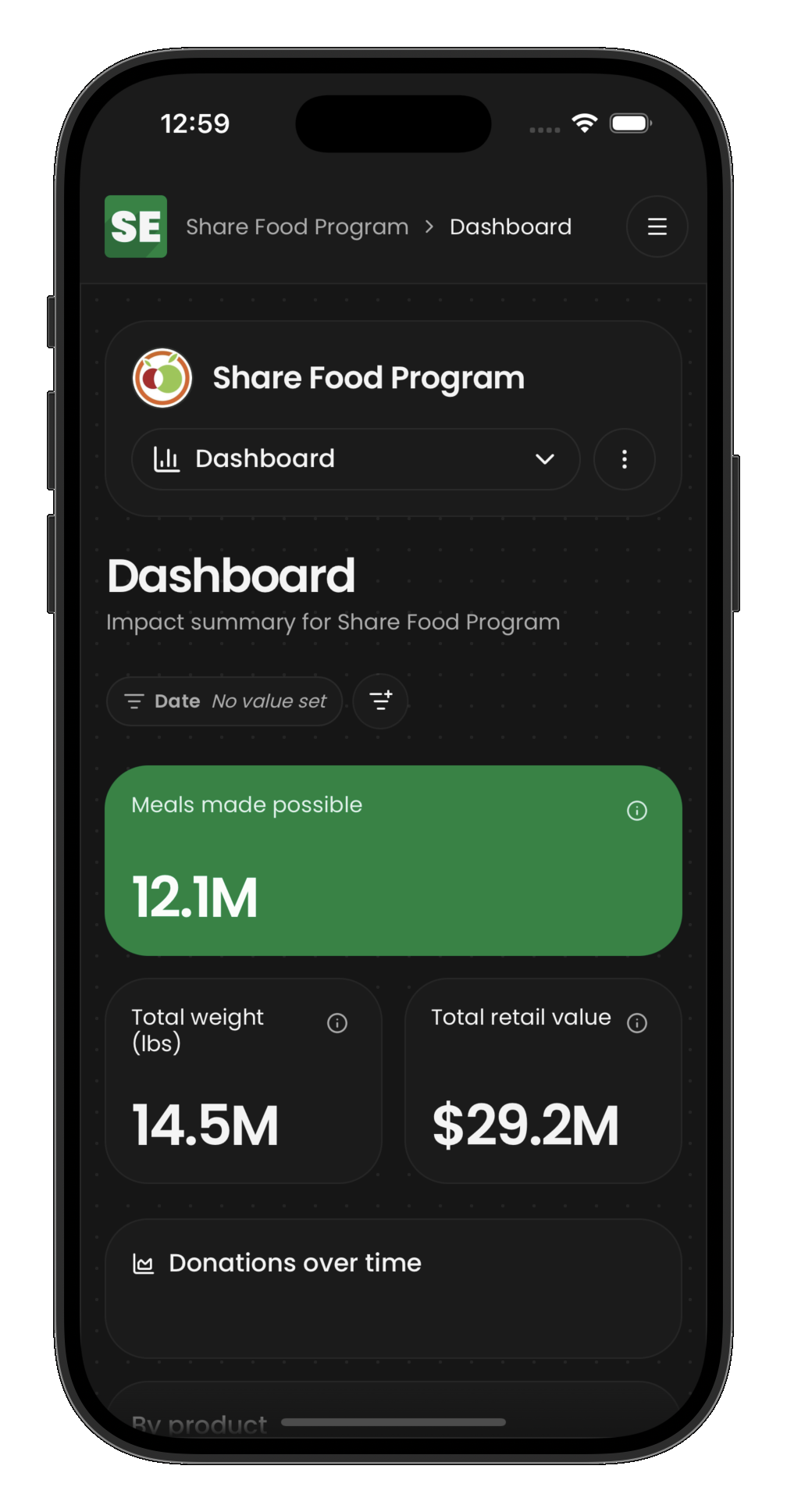
Recipient organizations see upcoming distributions, delivery history, location settings, and impact scoped to their organization.
Core concepts
Organizations and locations
- Donors donate food; each has one or more donor locations (pickup addresses)
- Recipients receive food; each has recipient locations (delivery addresses)
- Carriers supply contracted vehicles and drivers when your program uses them
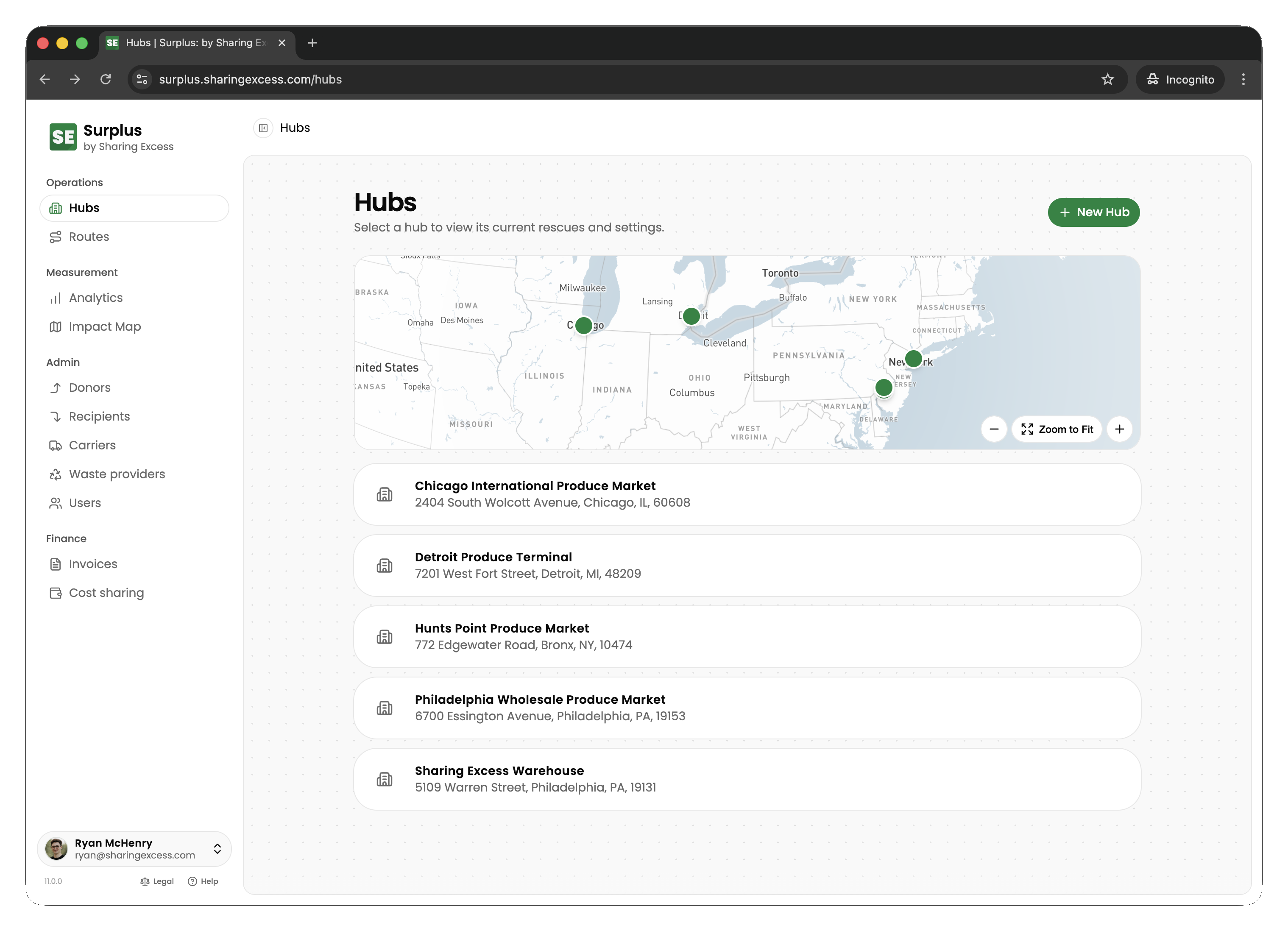
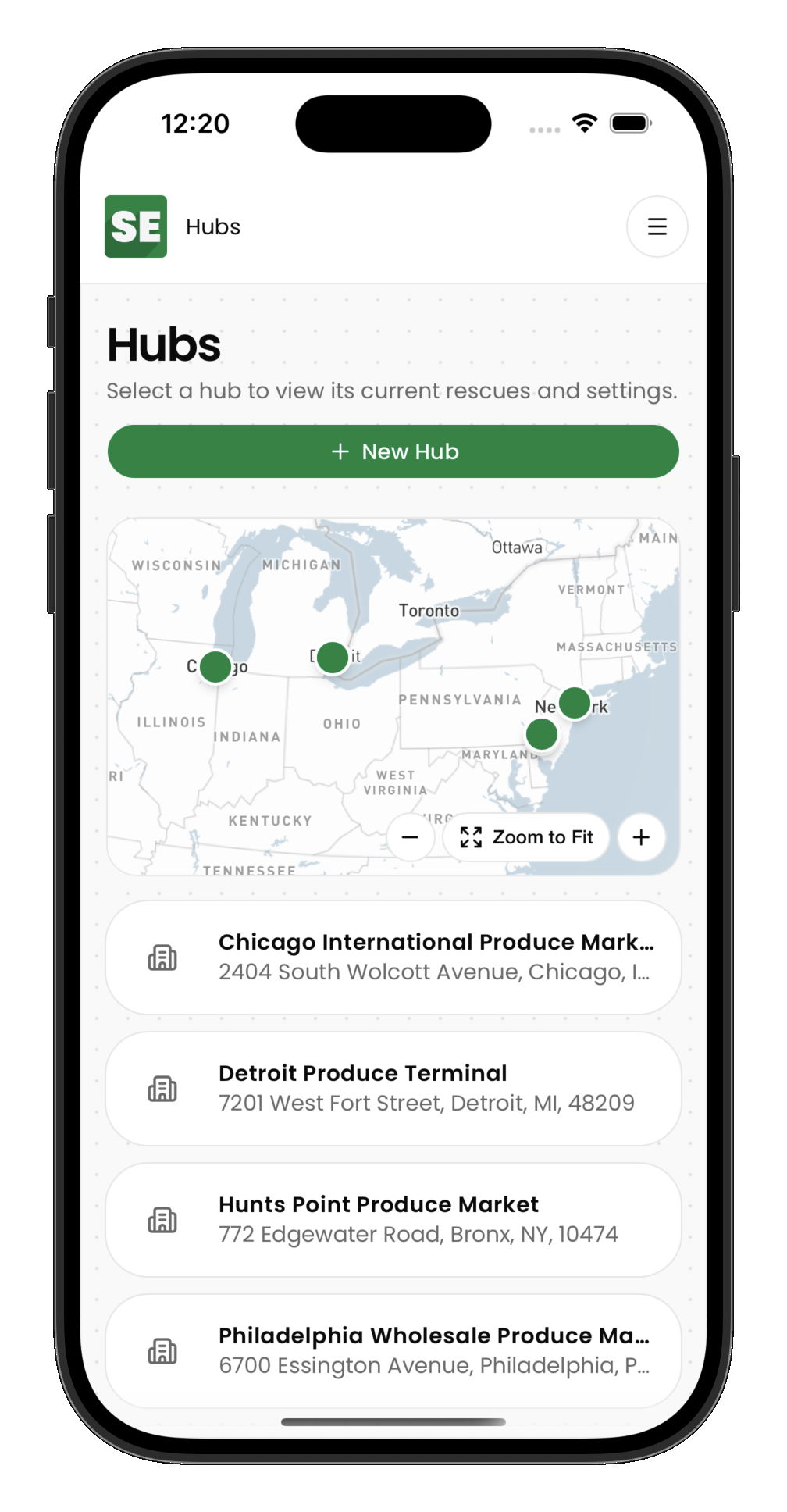
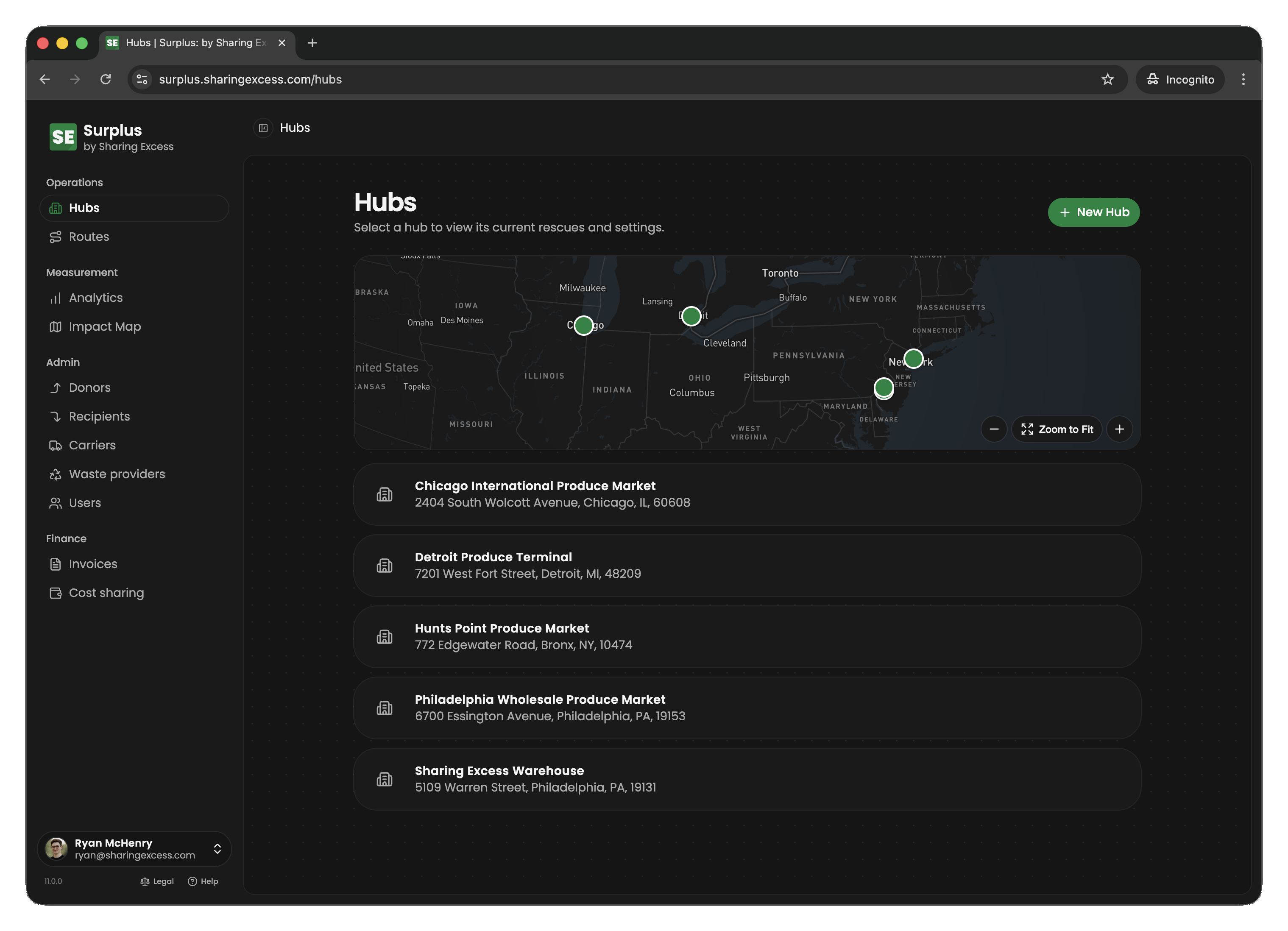
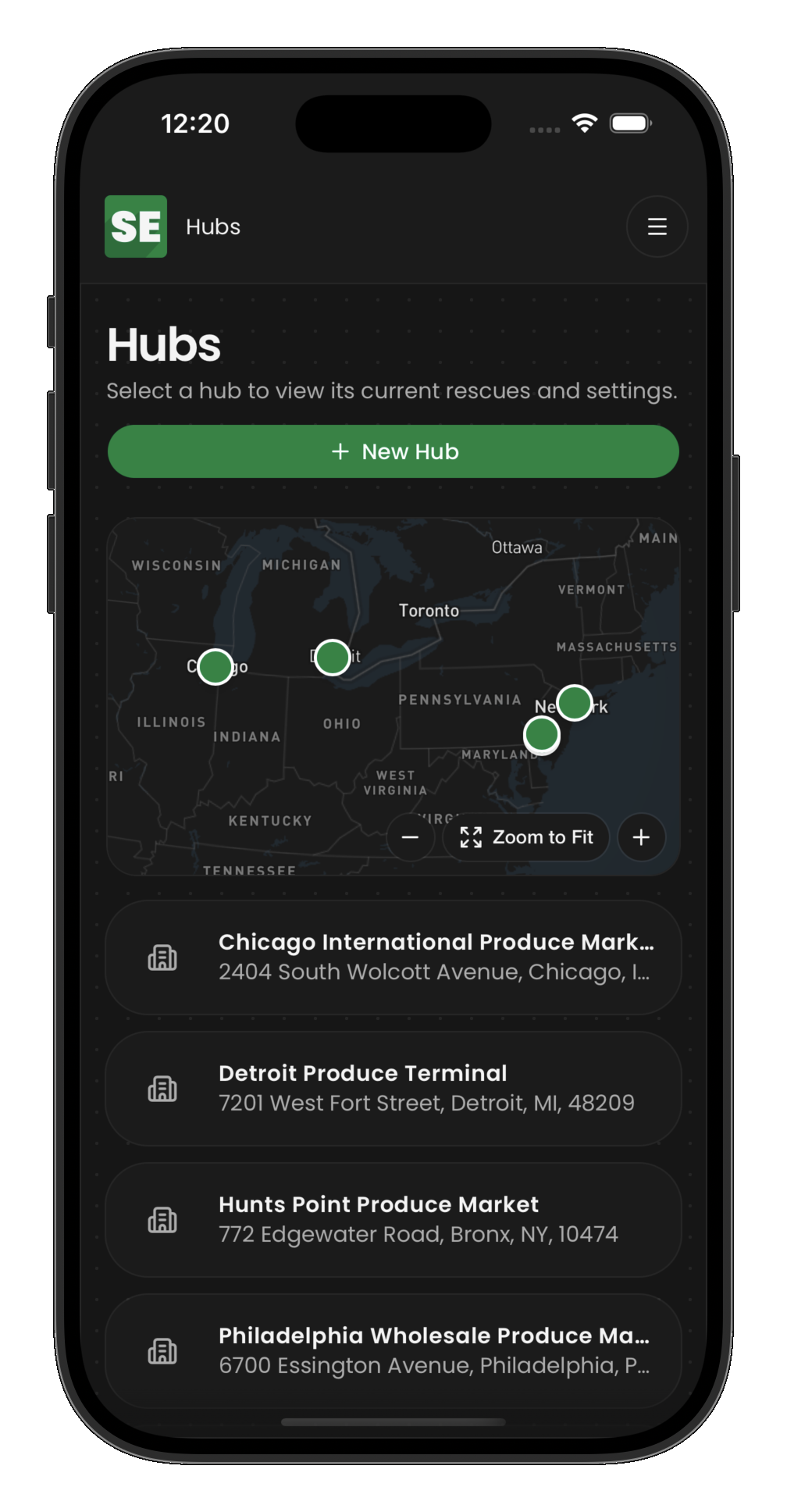
- Hubs are warehouses where food is stored, sorted, and redistributed
Routes and stops
A route is a vehicle's journey — an ordered list of stops:
| Stop type | What happens |
|---|---|
| Collection | Driver picks up food from a donor |
| Distribution | Driver delivers food to a recipient |
| Load | Driver receives food from a hub onto the vehicle |
| Unload | Driver transfers food from the vehicle into a hub |
Collections and distributions
- Collections record food entering the system (route pickup or hub drop-off)
- Distributions record food leaving the system to recipients
- Loads and unloads move inventory between hubs and vehicles
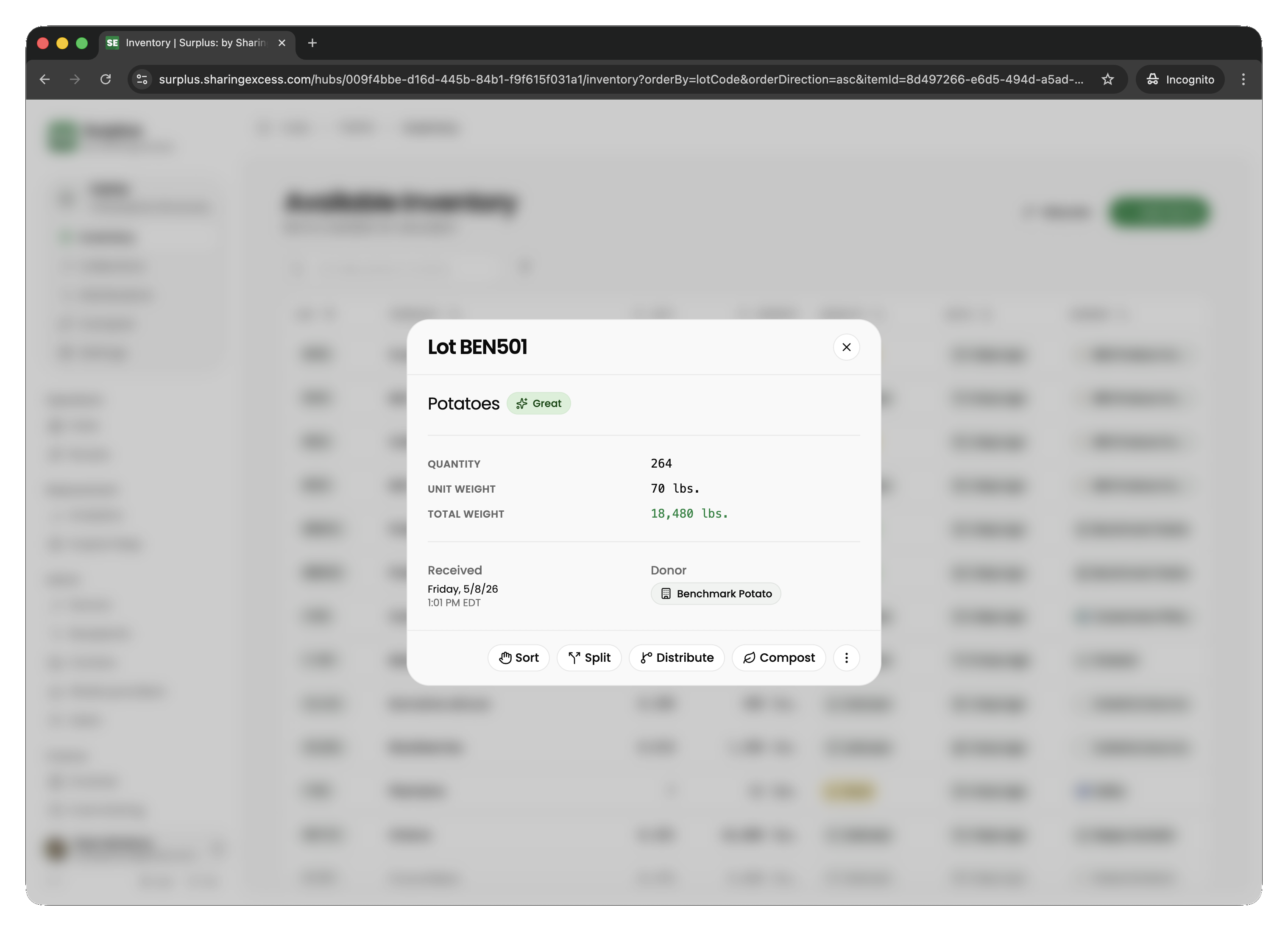
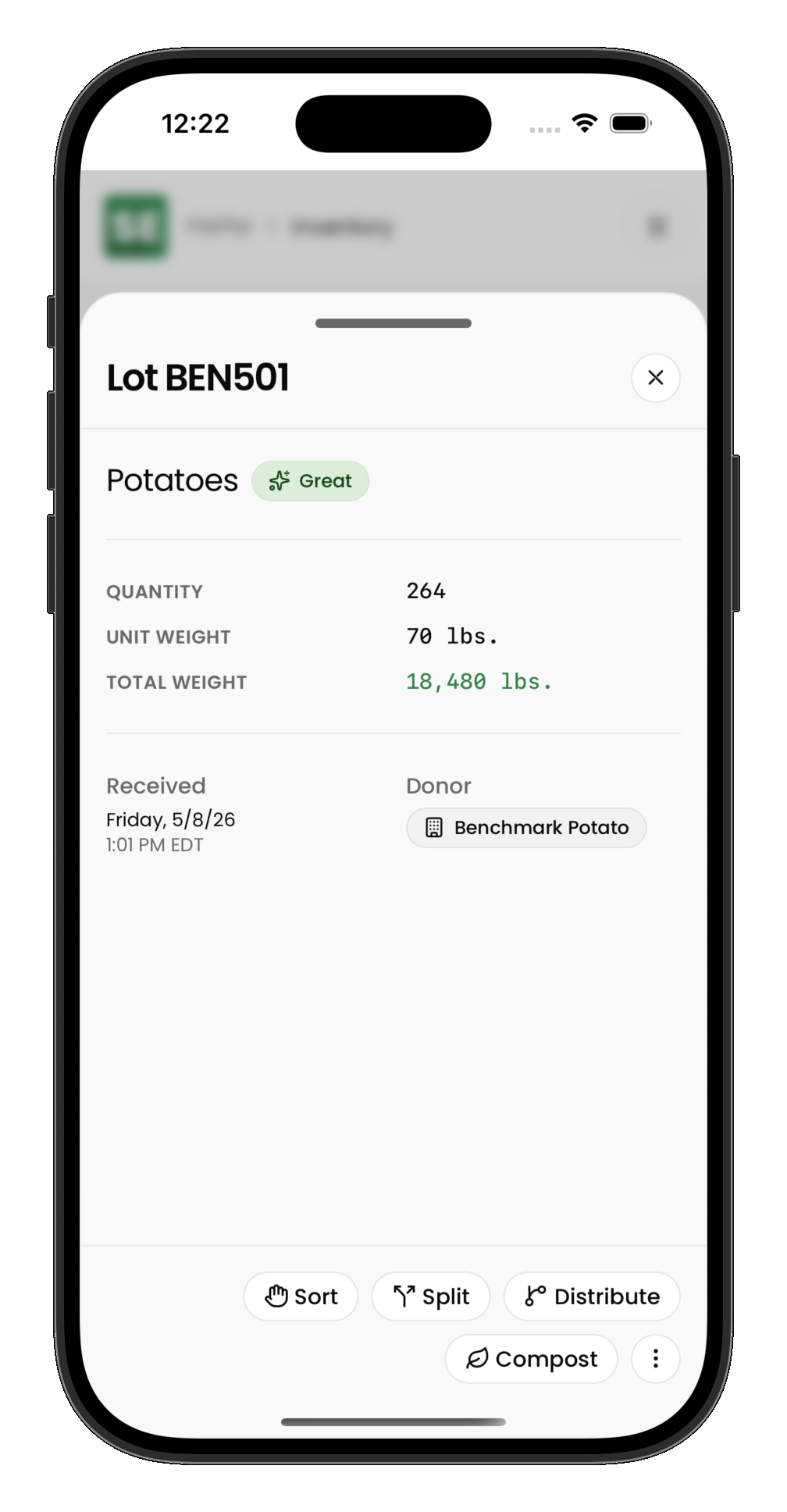
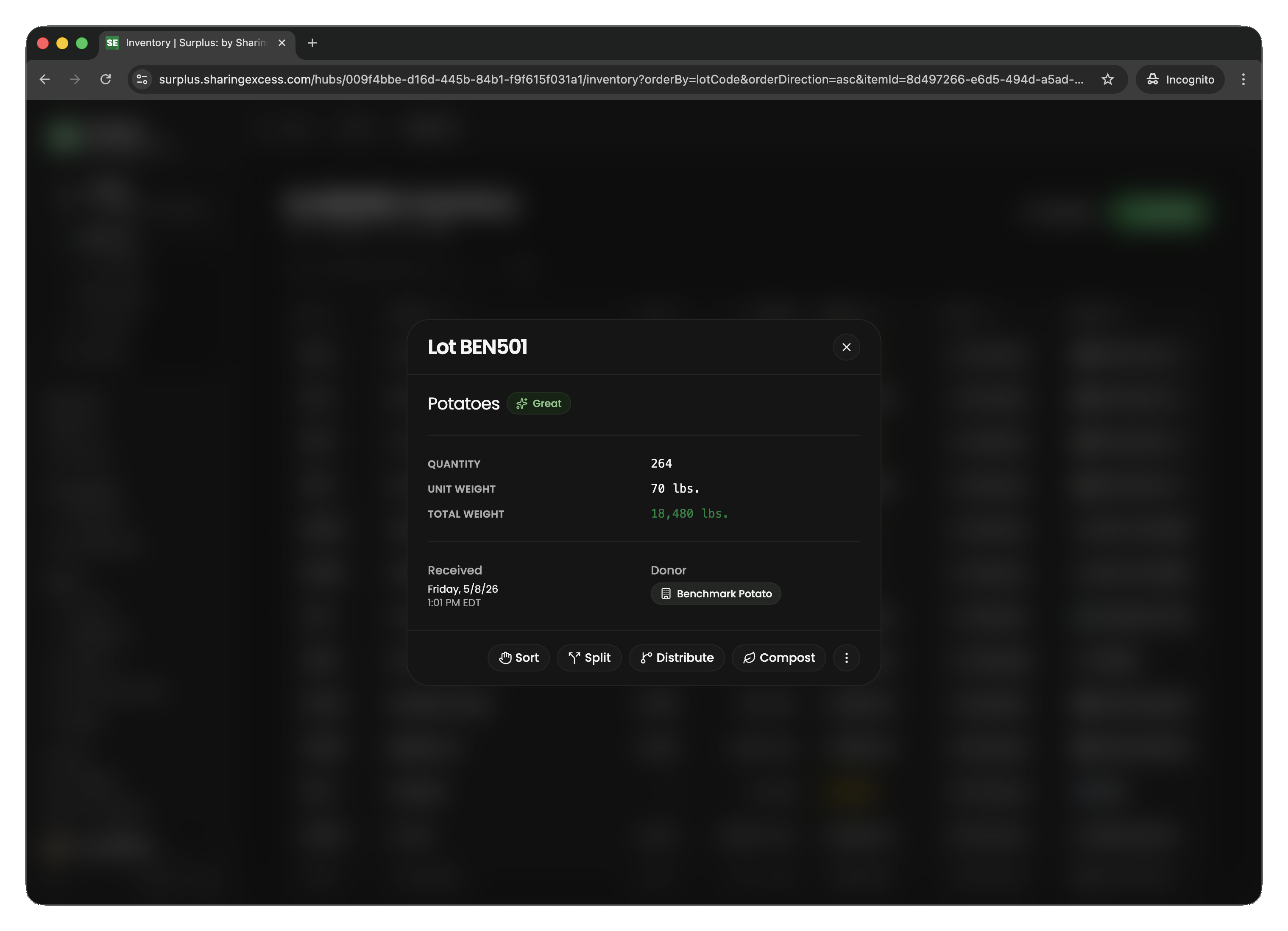
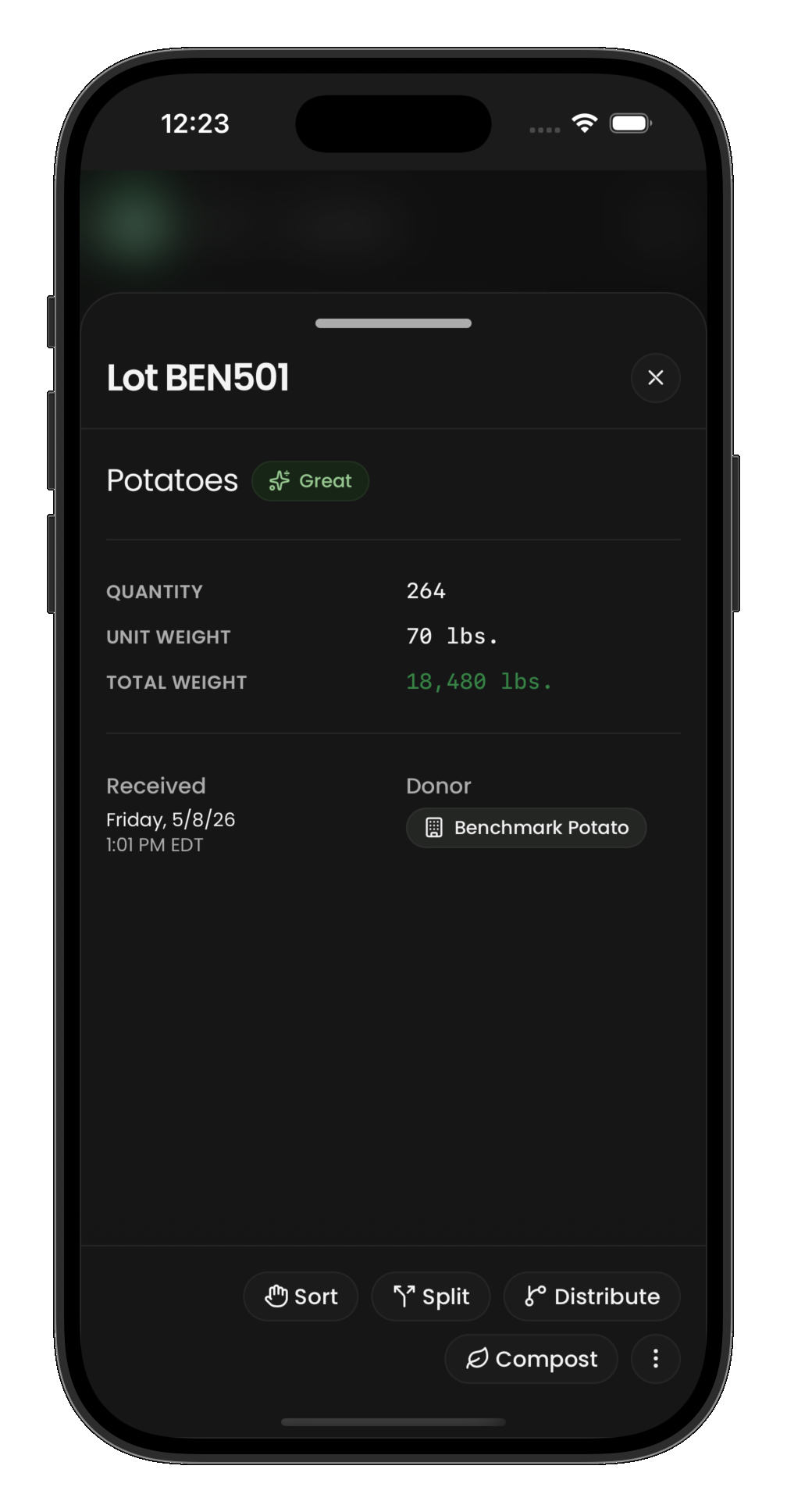
Hub staff allocate warehouse inventory to distributions before food ships out. See Hub inventory overview for operational detail.
Inventory layers
- Collection event items — the donation receipt (product, quantity, weight per line)
- Items — operational partitions tracking location (
huborroute), status (active,allocated,distributed,composted), and quantity
How food moves (typical flow)
- An admin schedules a route with collection and distribution stops
- A driver completes the route, recording weights at each stop
- Food may unload at a hub for sorting and allocation
- Allocated food loads onto outbound routes or delivers directly to recipients
- Donors and recipients see completed events on their dashboards
- Analytics updates impact metrics automatically
Each role only sees what they need — drivers see their routes, partners see their own history, admins see the full operation.
Next steps
- Terminology — full glossary
- Sign in — first-time access
- Role guides linked above for task-by-task instructions