
Load at a hub
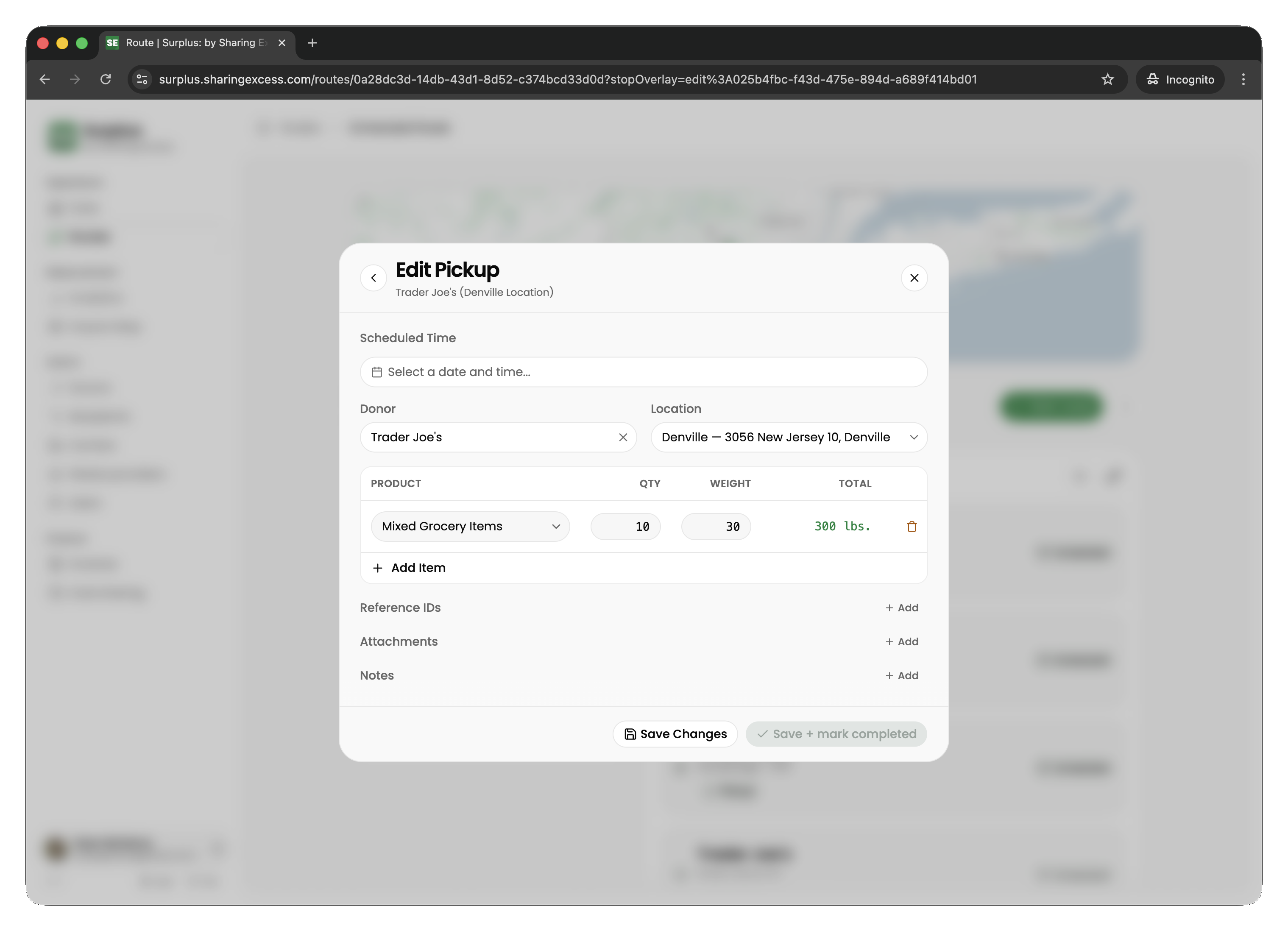
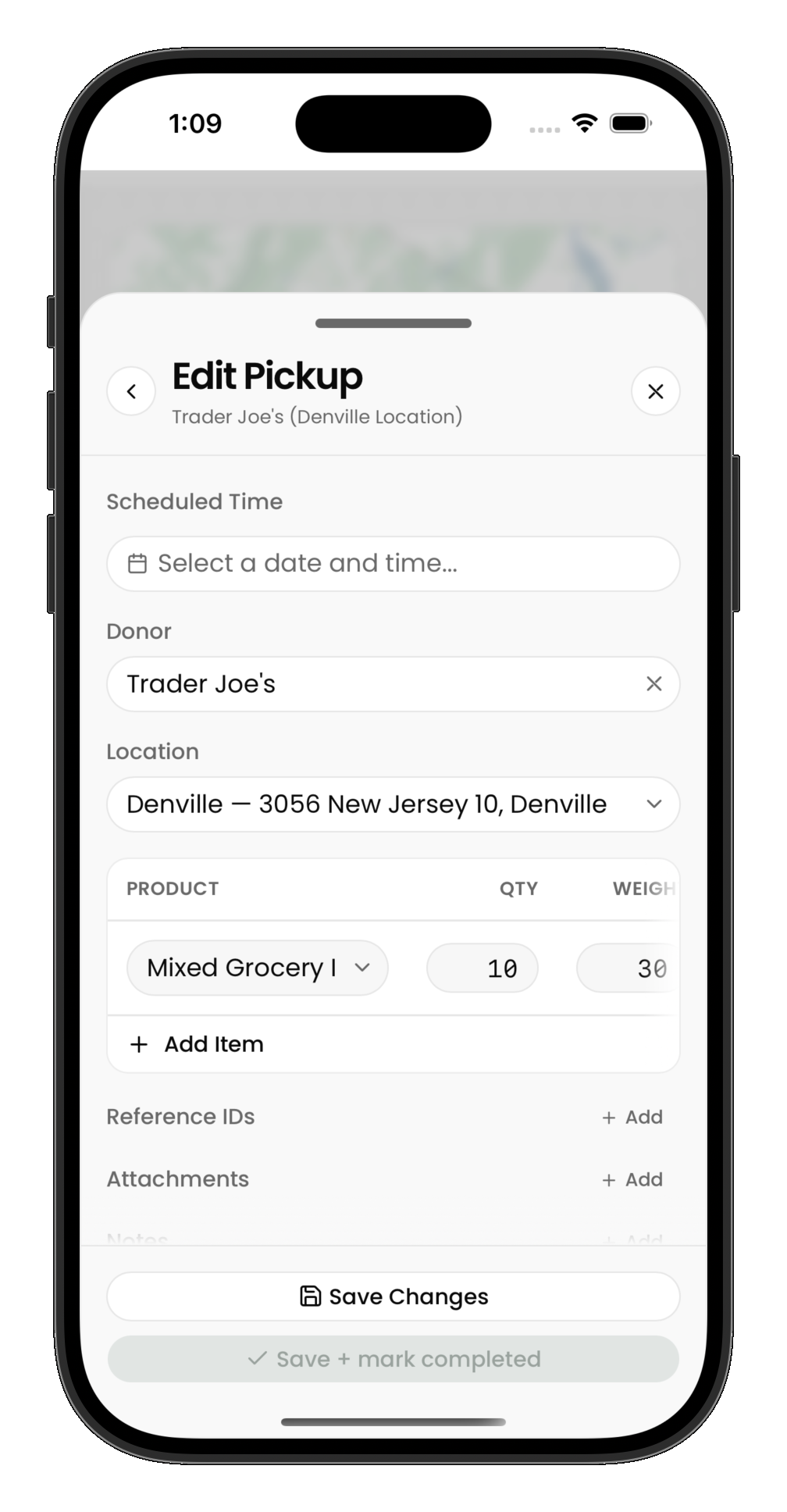
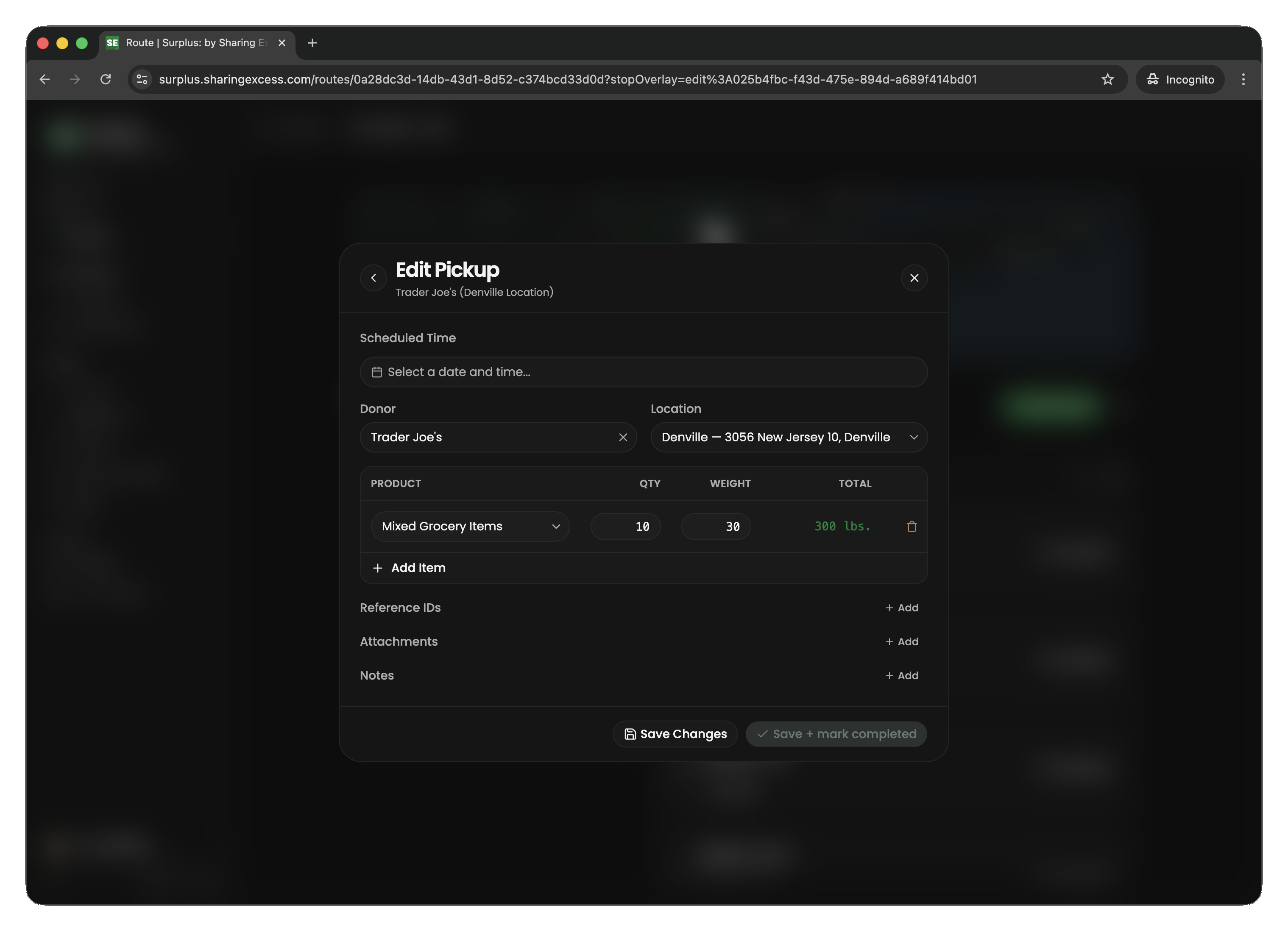
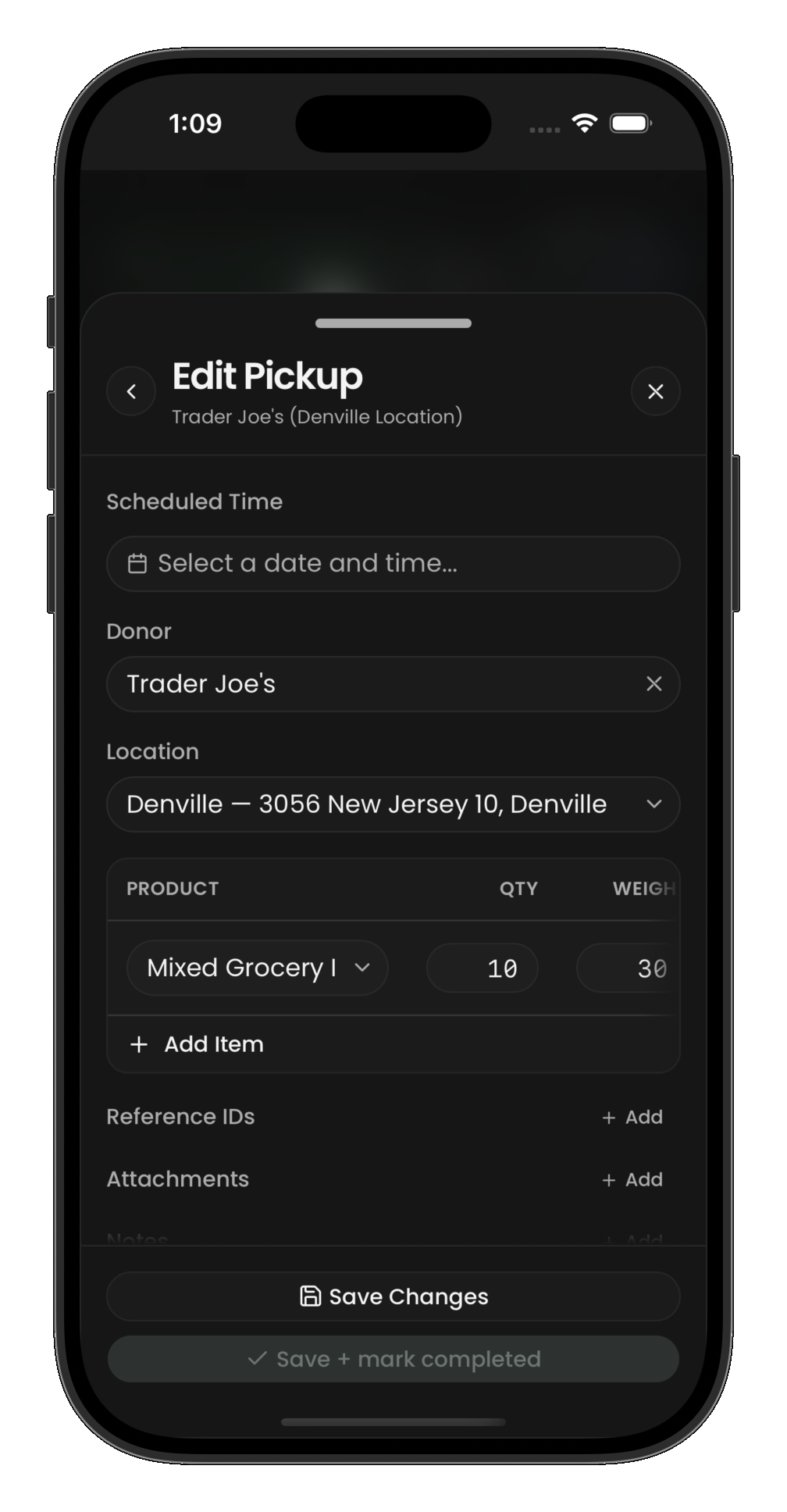
At a load stop, you're picking up pre-staged items from a hub warehouse. Hub staff will have items ready for you.
What to do
- Navigate to the hub location
- Confirm the items being loaded onto your vehicle
- Mark the stop as complete
The load flow is similar to recording a pickup — you review product lines and confirm quantities before completing the stop.
Hub-connected deliveries
If a later stop on your route is a hub-connected delivery, the load at this hub must happen before that delivery stop. Items move from hub inventory to your vehicle when you complete the load.