
Record a pickup
At a collection stop, you're picking up food from a donor. The app asks you to record what you receive.
Recording what was picked up
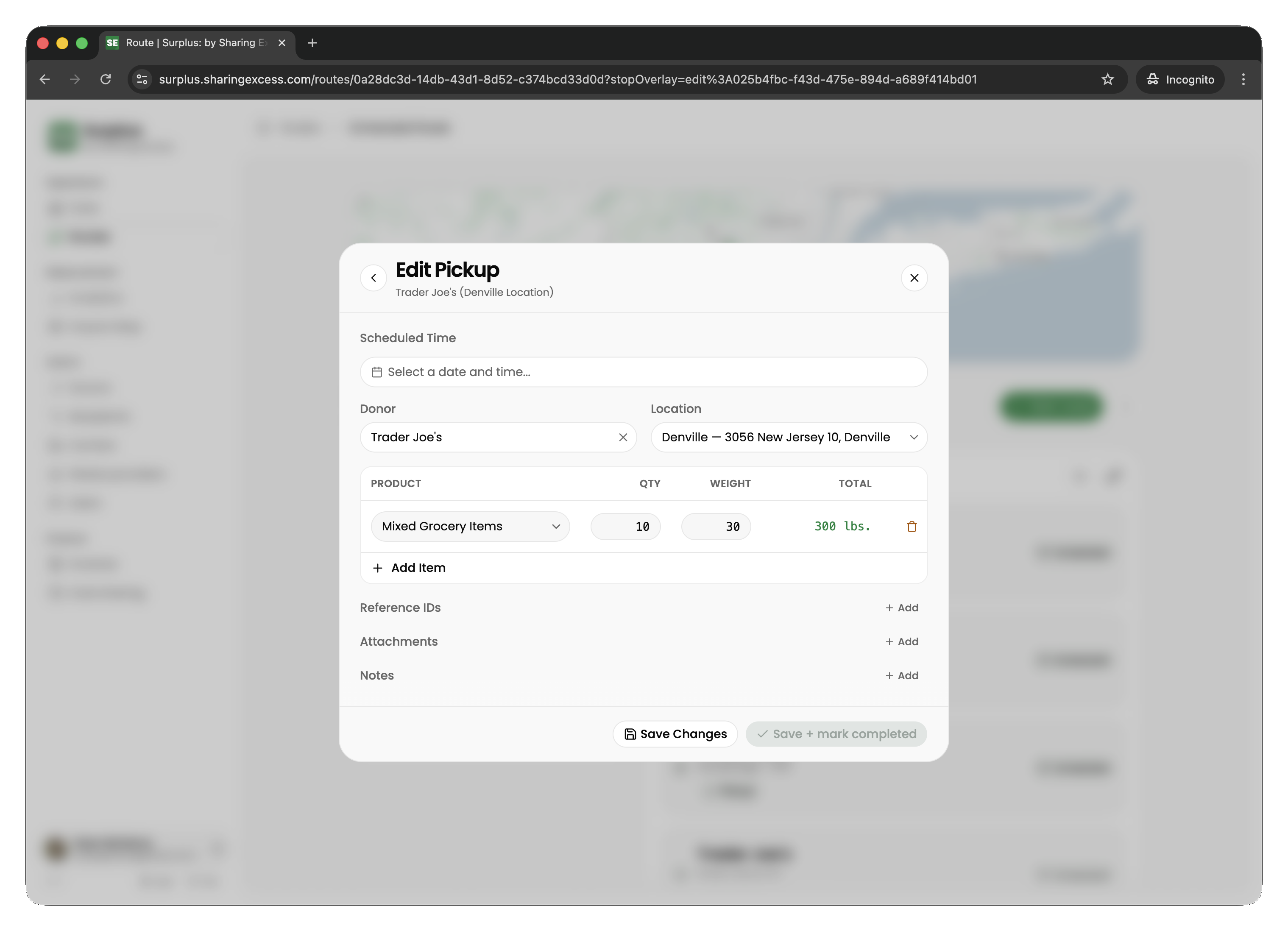
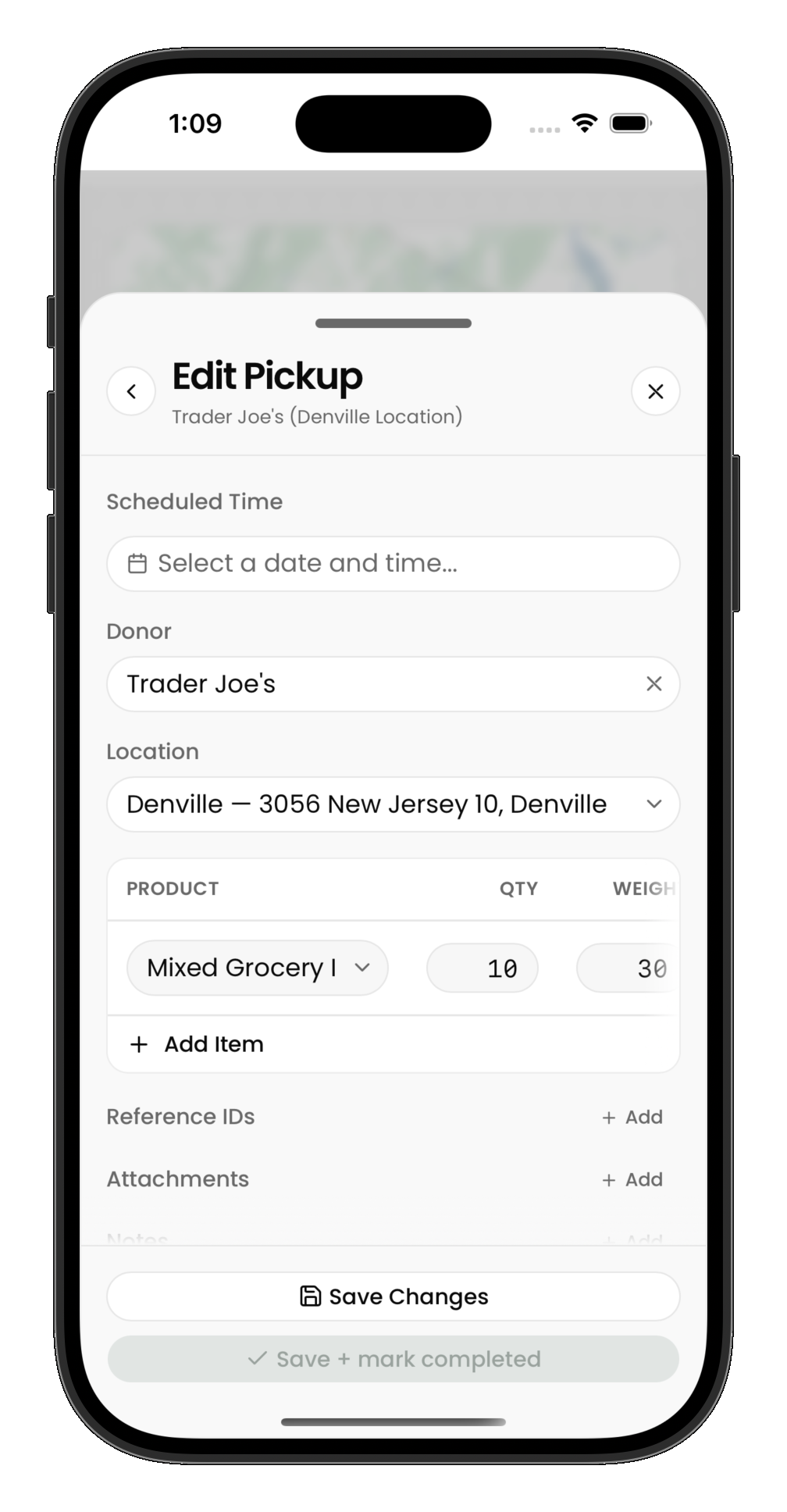
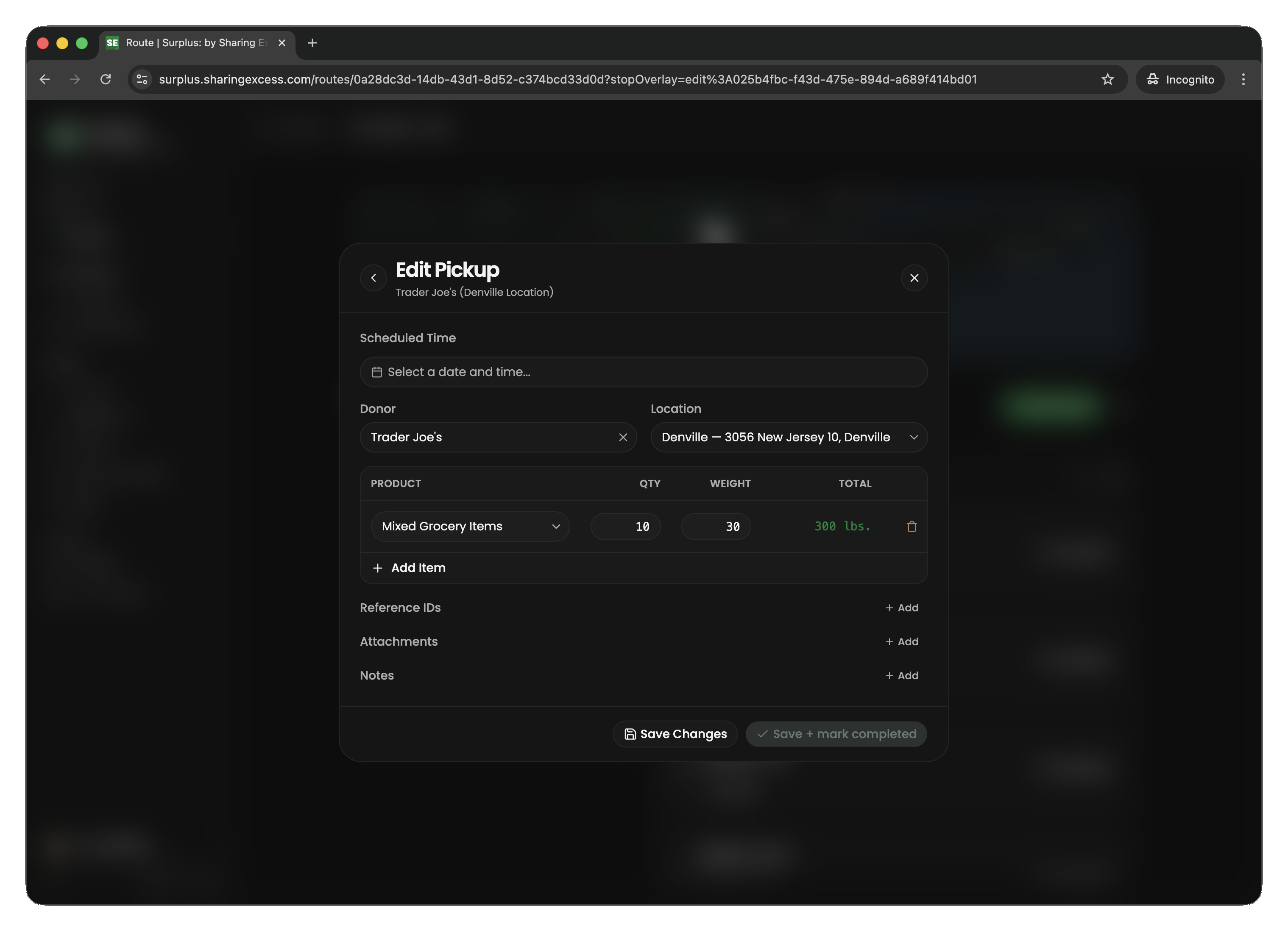
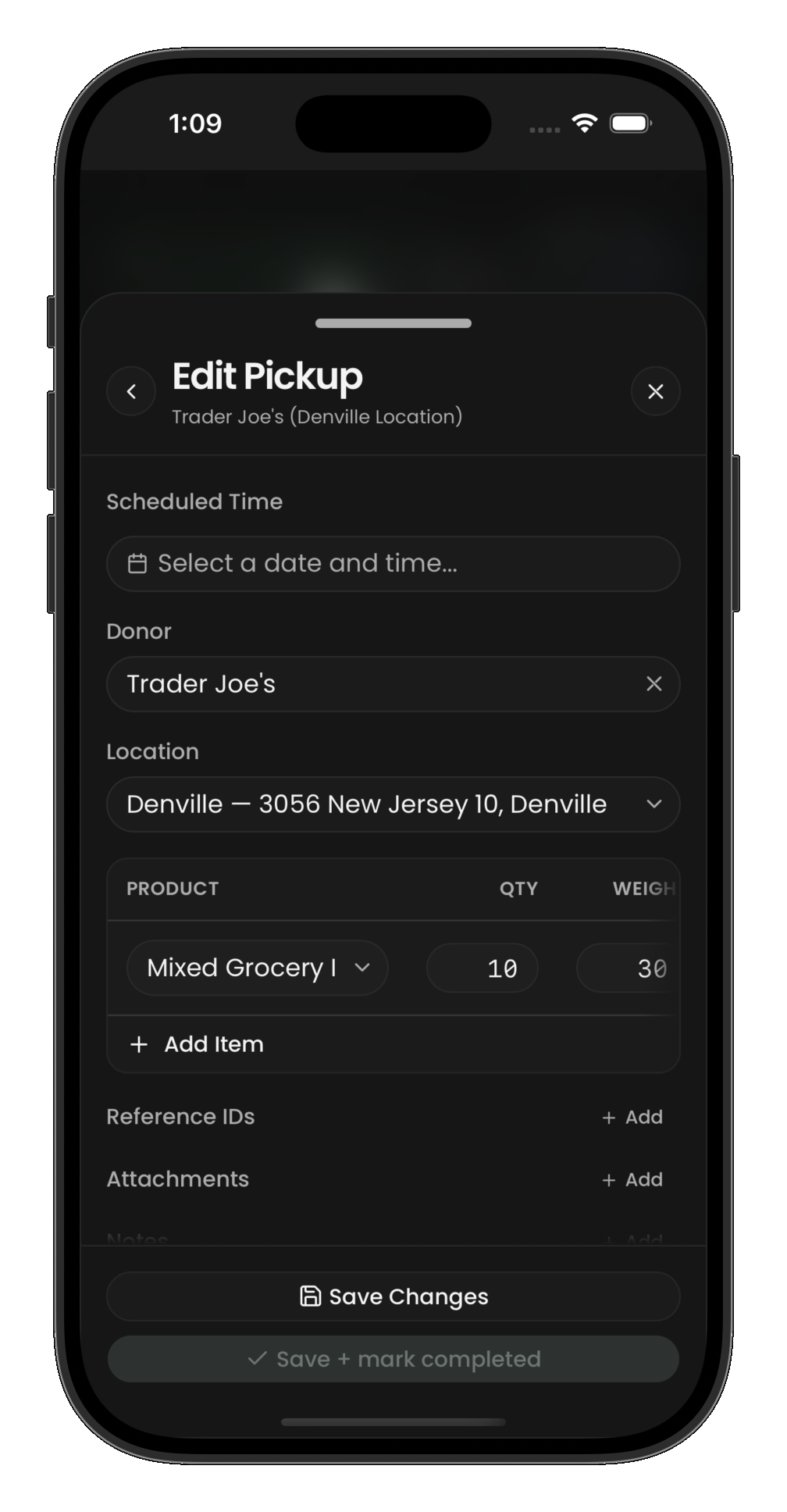
For each product type the donor is giving you:
- Select or enter the product (what kind of food)
- Enter the quantity (how many units — cases, bags, boxes, etc.)
- Enter the weight (total pounds for that line, or per-unit weight depending on the flow)
Adding photos and documents
Under Attachments, tap Take Photo to photograph the food, or Upload to add a photo or document you already have (such as a receipt or bill of lading). Give it a name or description if it helps, then tap Save. Attachments upload right away, and the donor or recipient can see them.
You can add attachments to any stop that isn't completed yet.
Tips for pickups
- Be accurate with weights — impact metrics are calculated from what you enter here
- You can add multiple product lines per collection
- If the donor has nothing available, you can complete the collection with zero items
- Photos or notes may be requested depending on your program's setup. See Adding photos and documents