
Record a delivery
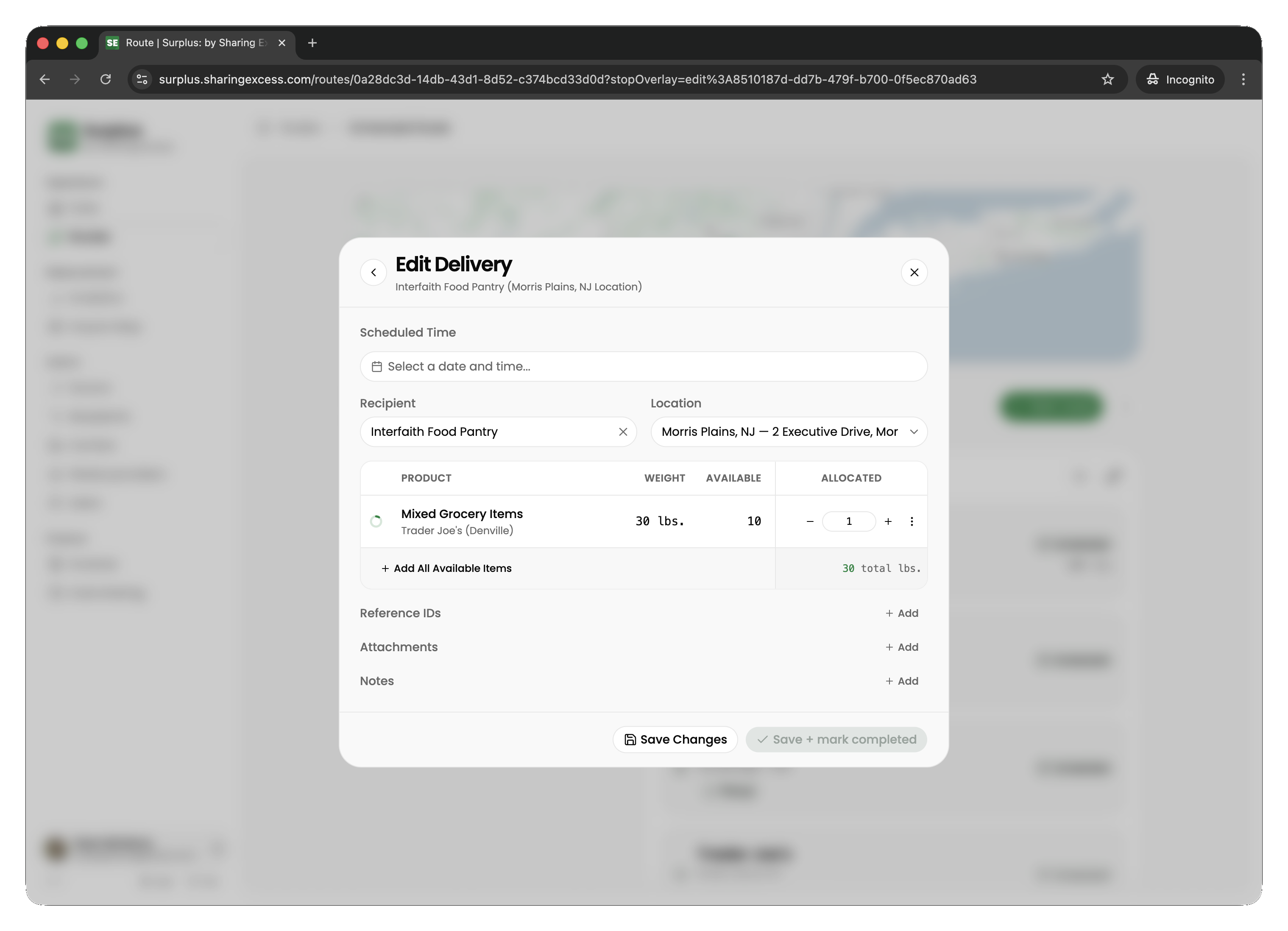
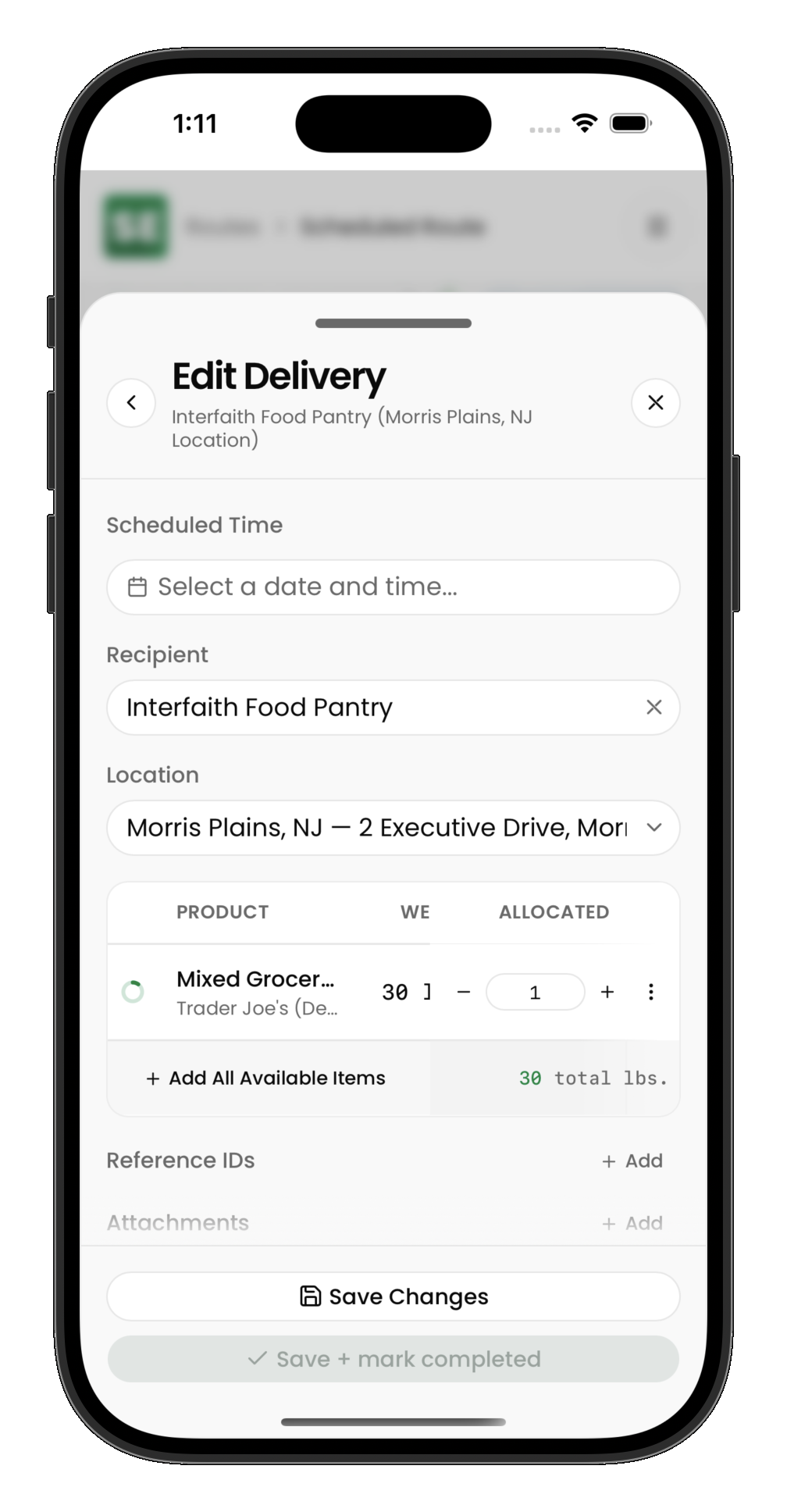
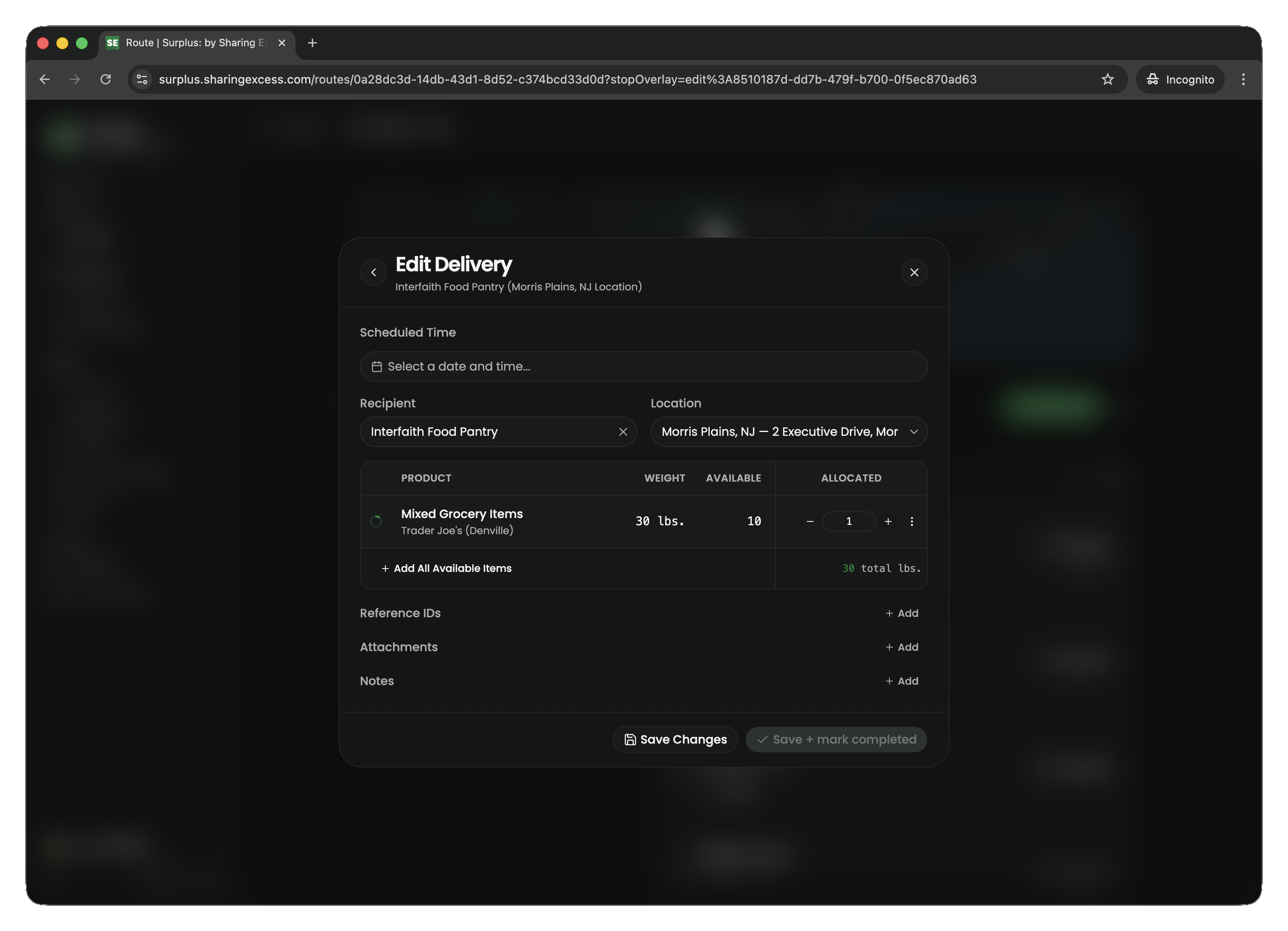
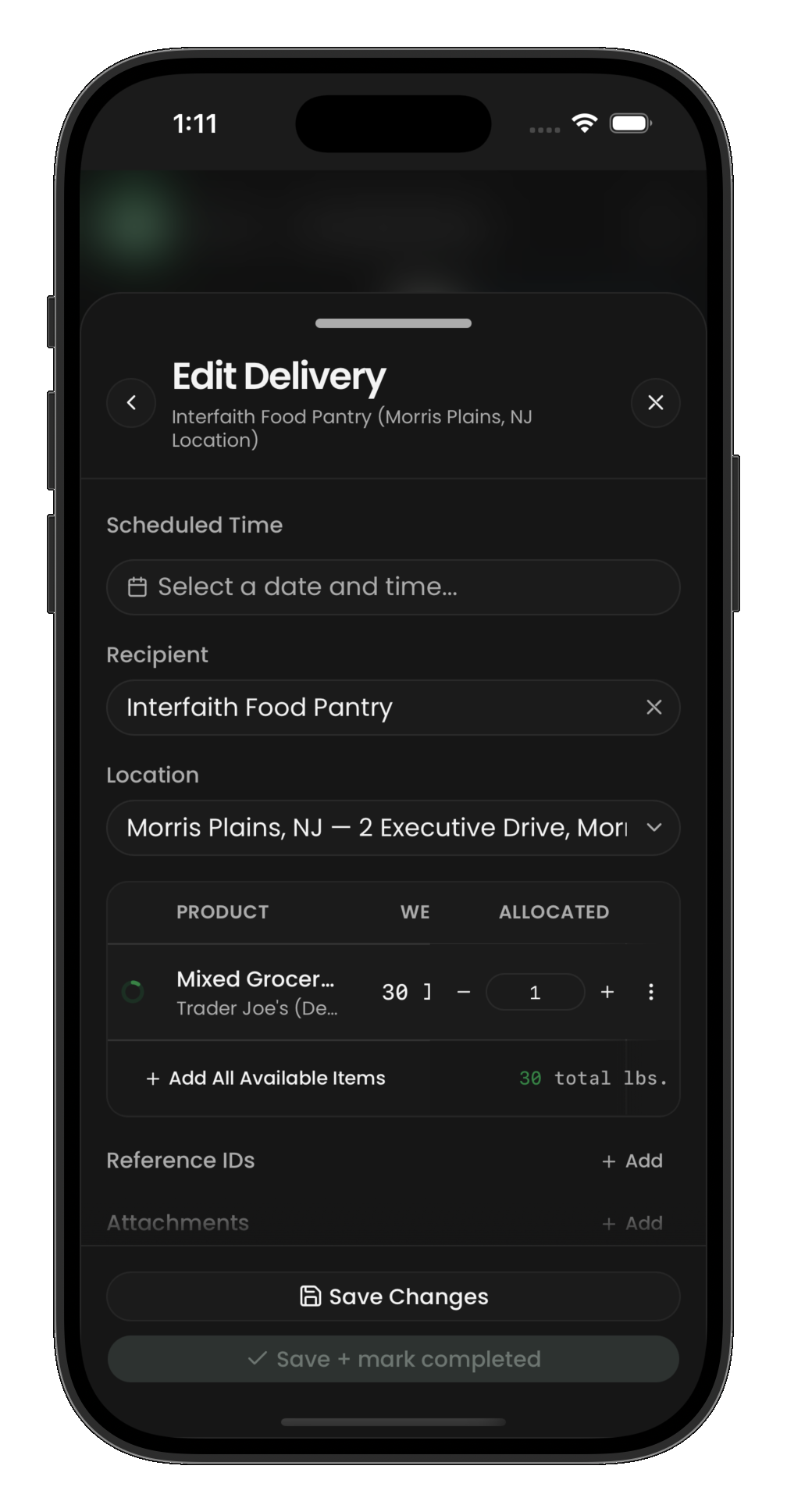
At a distribution stop, you're delivering food to a recipient. Items have already been allocated to this delivery.
Completing a delivery
- Navigate to the recipient location
- Review the items allocated to this stop
- Hand off the food and confirm the delivery
- Mark the stop as complete
To add a photo or document to the delivery, see Adding photos and documents.
Partial deliveries
Sometimes you may not deliver everything that was allocated:
- Recipient may not want or cannot accept certain items
- Items may have been damaged in transit
- Capacity issues at the recipient location
In these cases, adjust the quantities before completing the stop. Undelivered items remain on your vehicle for the next stop or a later unload at a hub.