
Fix a completed route
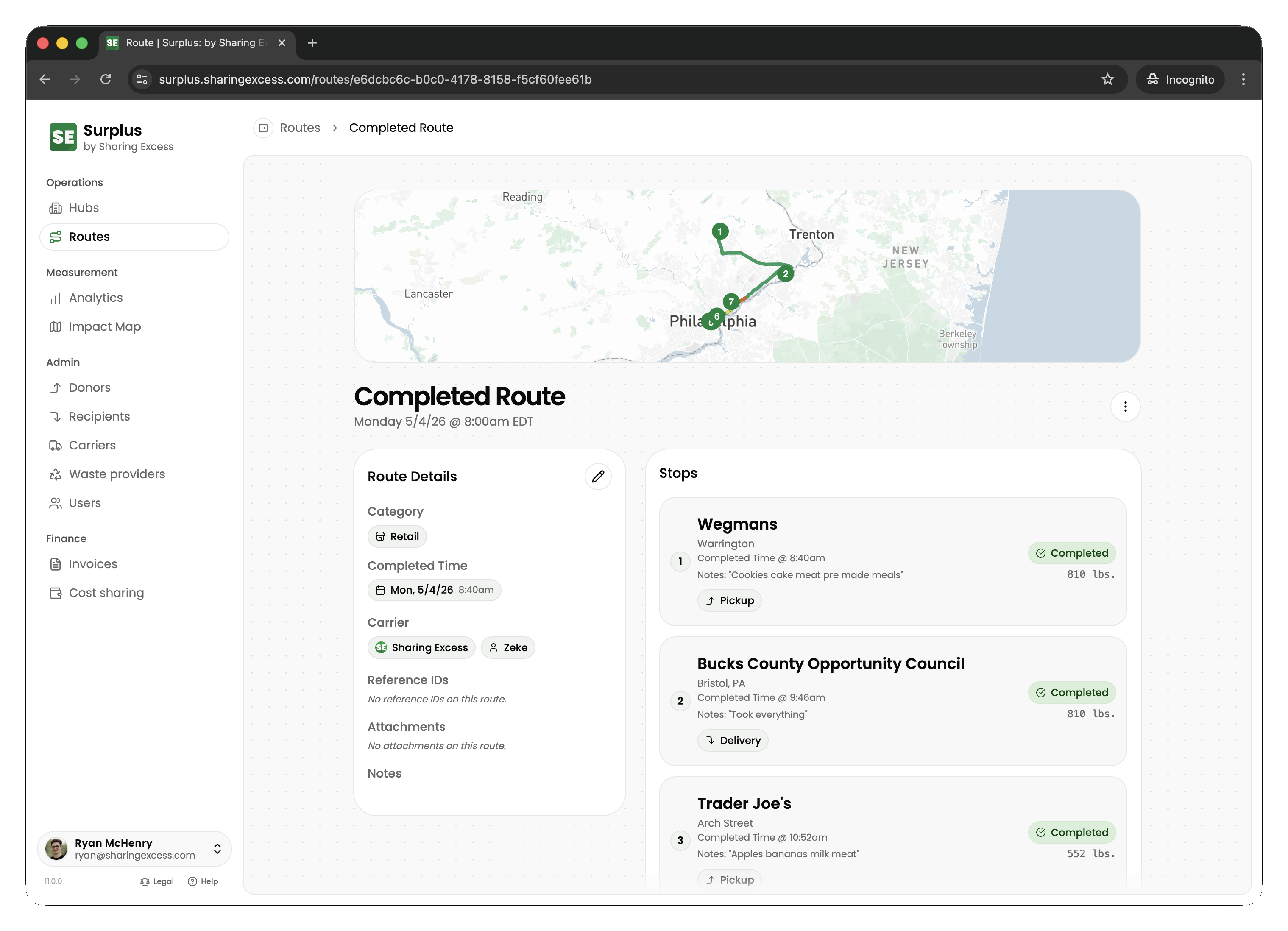
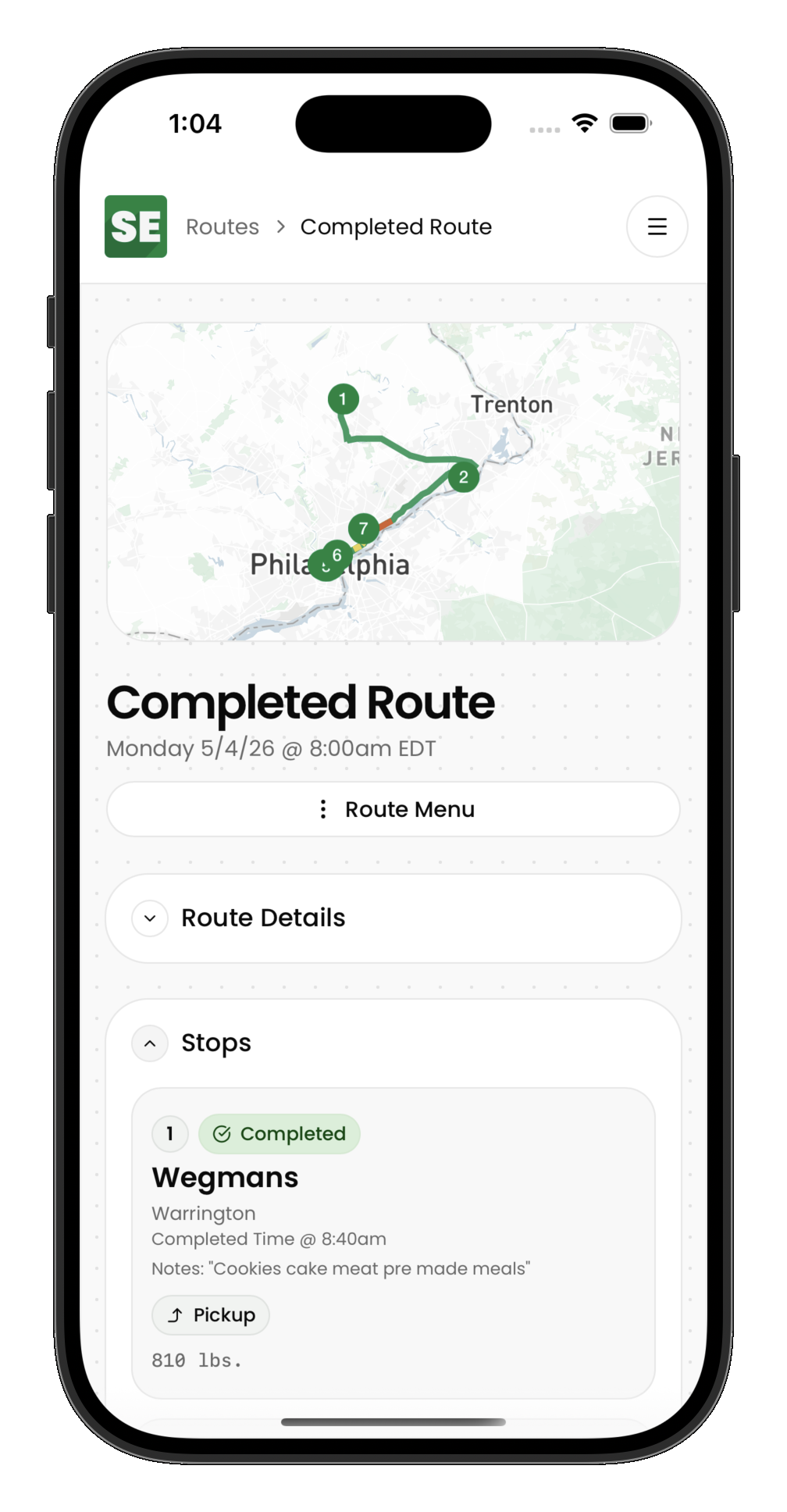
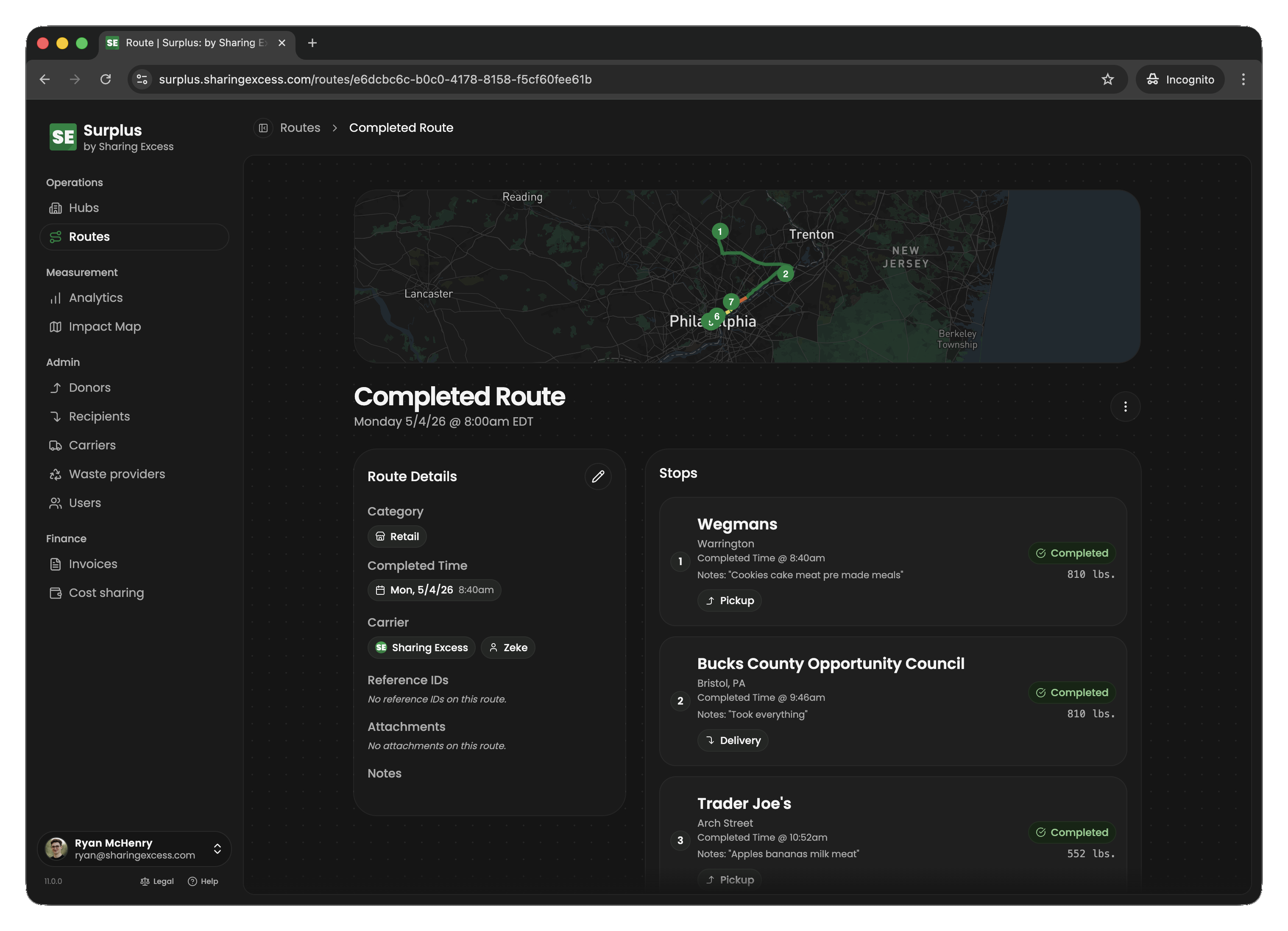
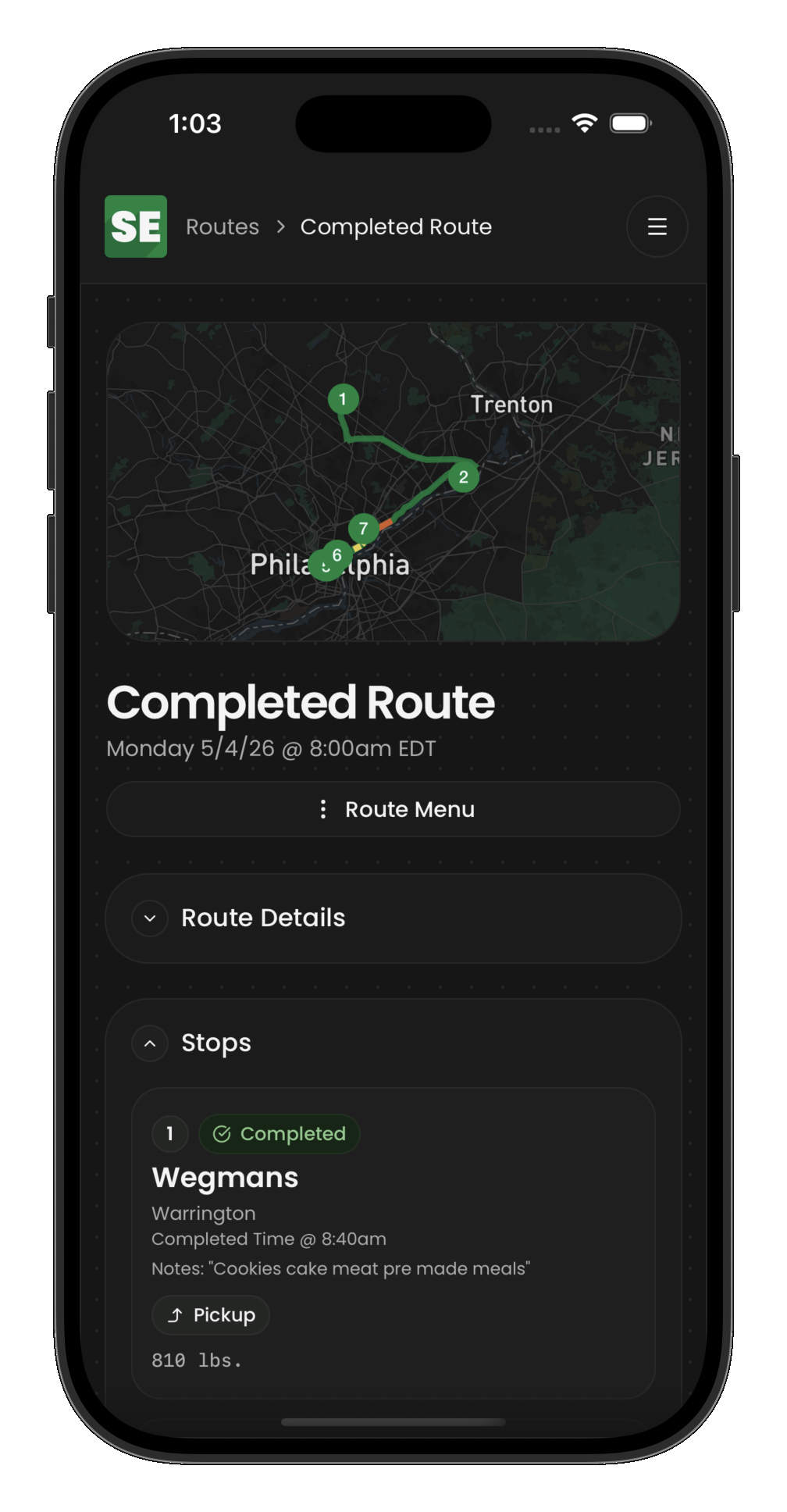
Sometimes you finish a route and realize a stop was recorded incorrectly, or you need to make a small correction. Surplus lets assigned drivers re-open a completed route so you can fix individual stops.
When you can re-open a route
You can re-open a route only when its status is completed. The route returns to active, and you can then un-complete or edit individual stops as your program allows.
How to re-open a route
- Open the Routes section and find the completed route
- Open the route detail screen
- Tap Re-open route
After re-opening
Once the route is active again:
- Work through any stops that need correction
- Re-complete corrected stops in sequence
- Finish the route again when all stops are done and your vehicle is empty
When to contact your coordinator
Re-opening is for corrections you can make in the field. Contact your coordinator if:
- A stop should be cancelled rather than corrected
- Food safety or inventory issues need admin cleanup
- The route should be abandoned entirely
Admins can also un-complete routes and individual events when deeper corrections are needed. See Handle route exceptions.