
Edit route stops
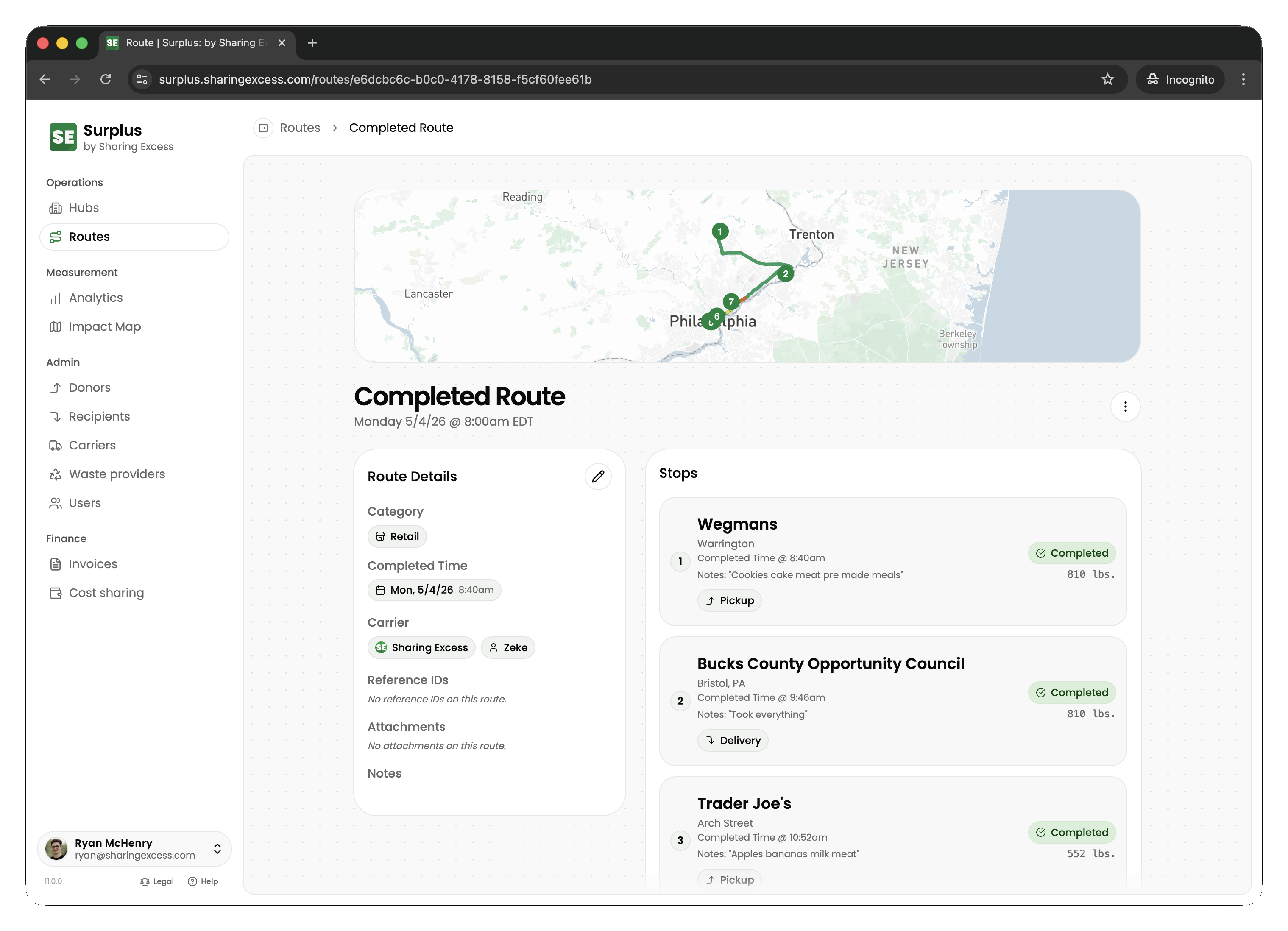
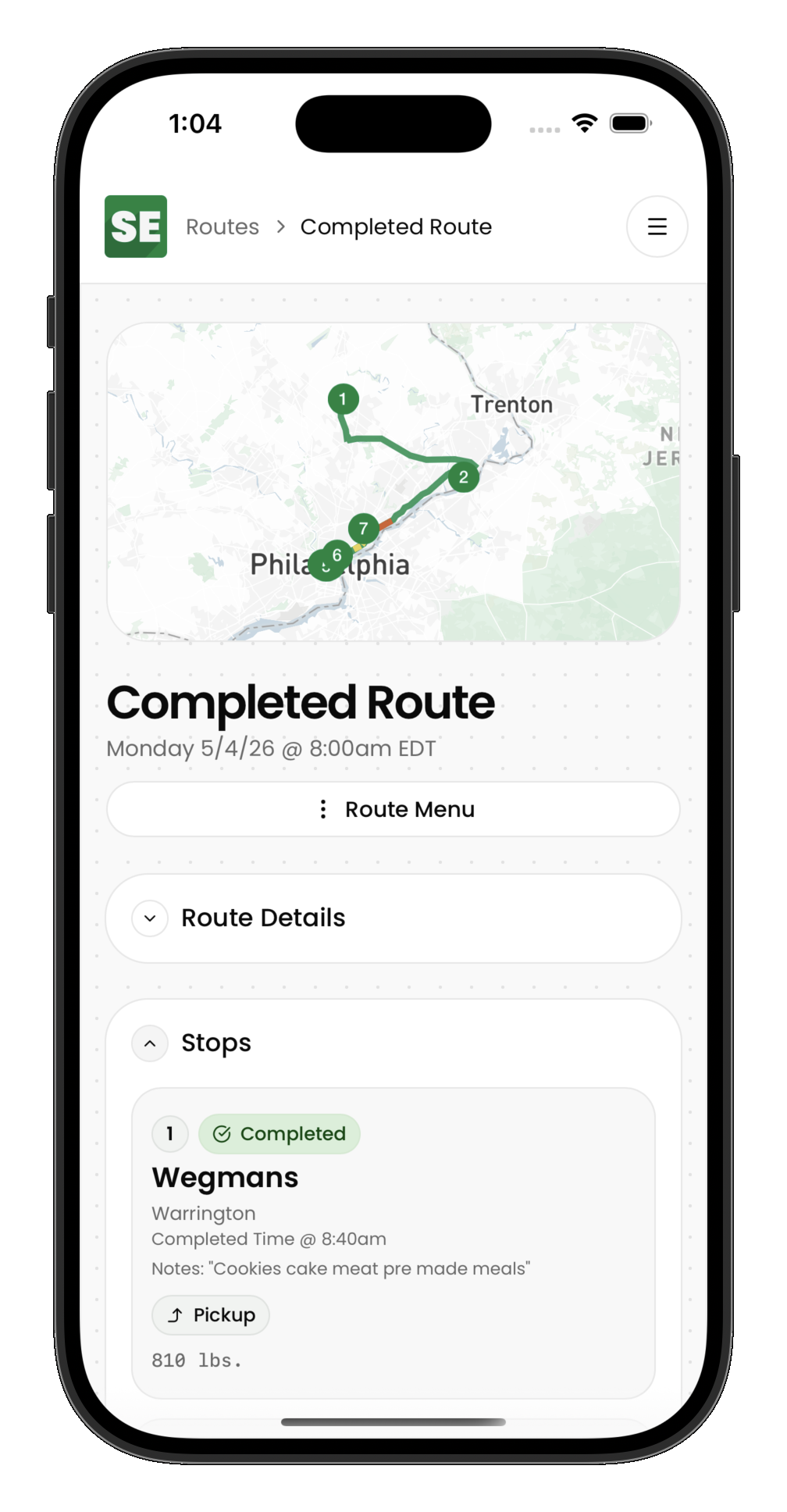
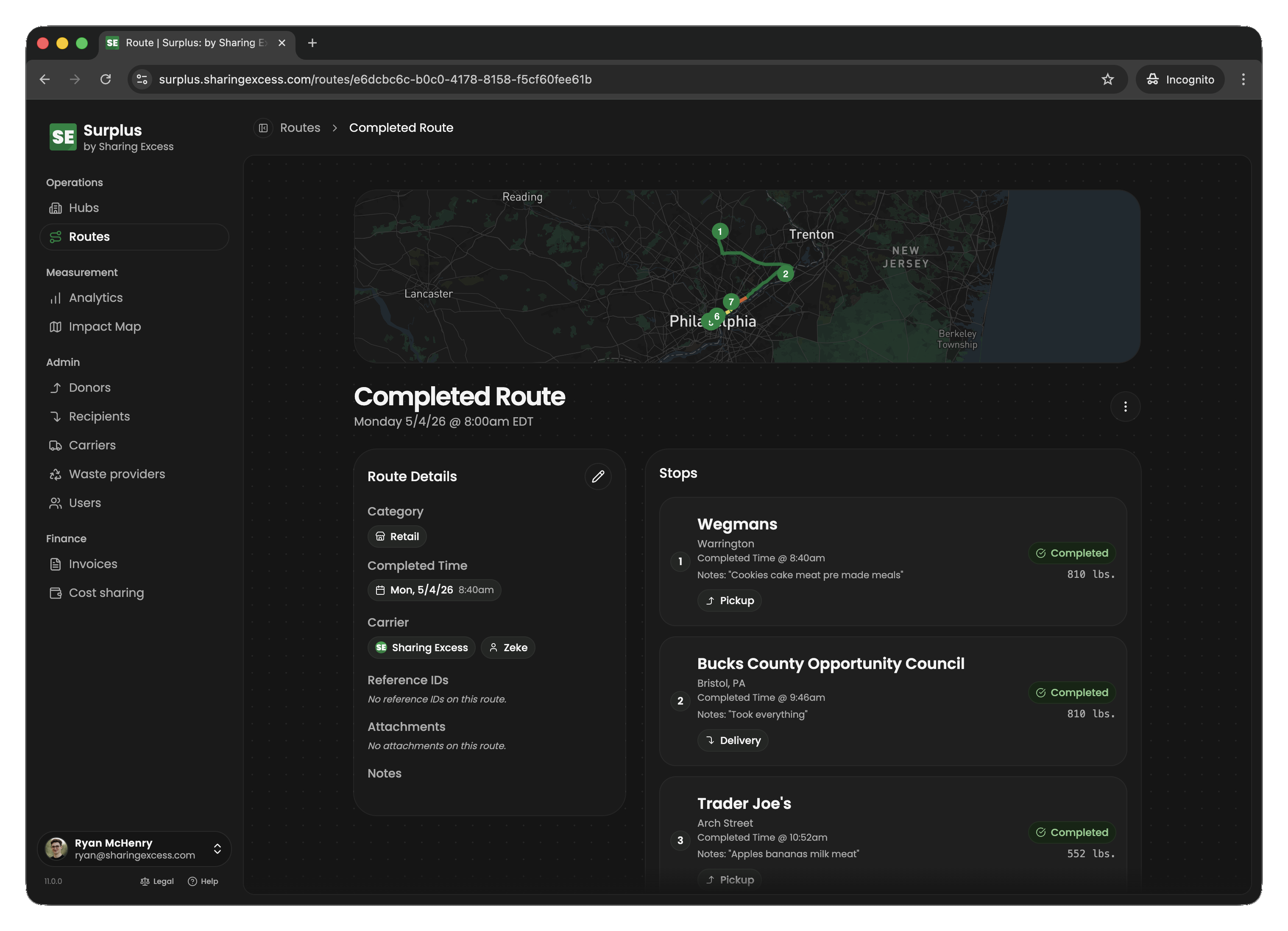
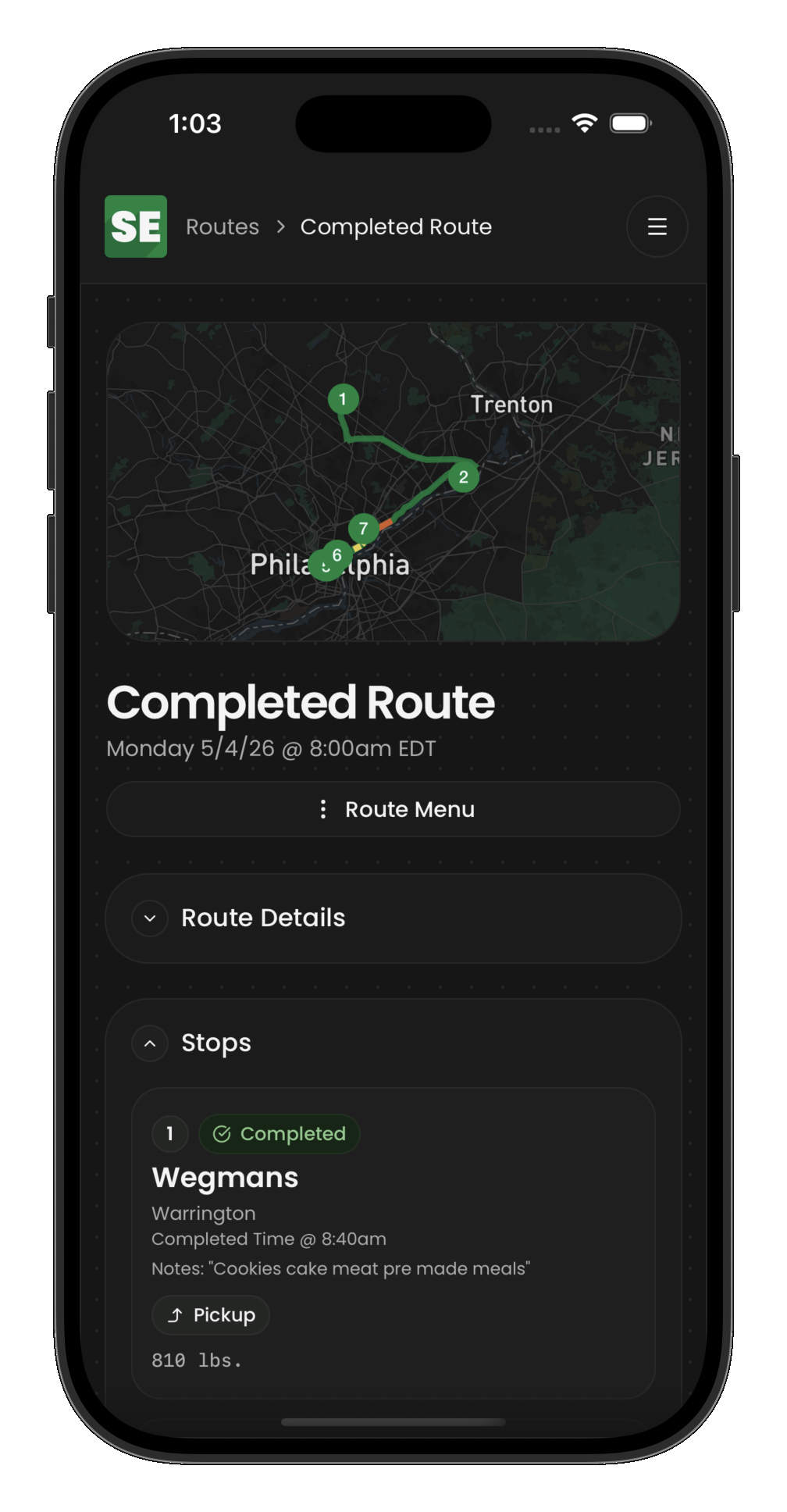
Once a route is created, the route detail shows all stops, their status, assigned drivers, and timing information.
What you can edit
On a scheduled or active route, admins can:
- Reorder stops
- Add or remove stops
- Cancel individual stops
- Modify stop details (donor, recipient, hub assignments)
You cannot add, reorder, or delete stops on a completed or cancelled route. Un-complete the route first if corrections require structural changes.
Completing a route
A route can only be completed when:
- All non-cancelled stops are
completed - At least 2 non-cancelled stops exist
- The vehicle is empty (no items with
routeIdset)
Cost share overrides
Collection and distribution stops can override default cost share rates from the donor or recipient agreement. See Cost sharing and carrier fees for how CSAs, overrides, carrier fees, and invoicing fit together.
Related guides
- Handle route exceptions — cancel routes or un-complete events
- Monitor active routes — track execution in progress