
Your dashboard
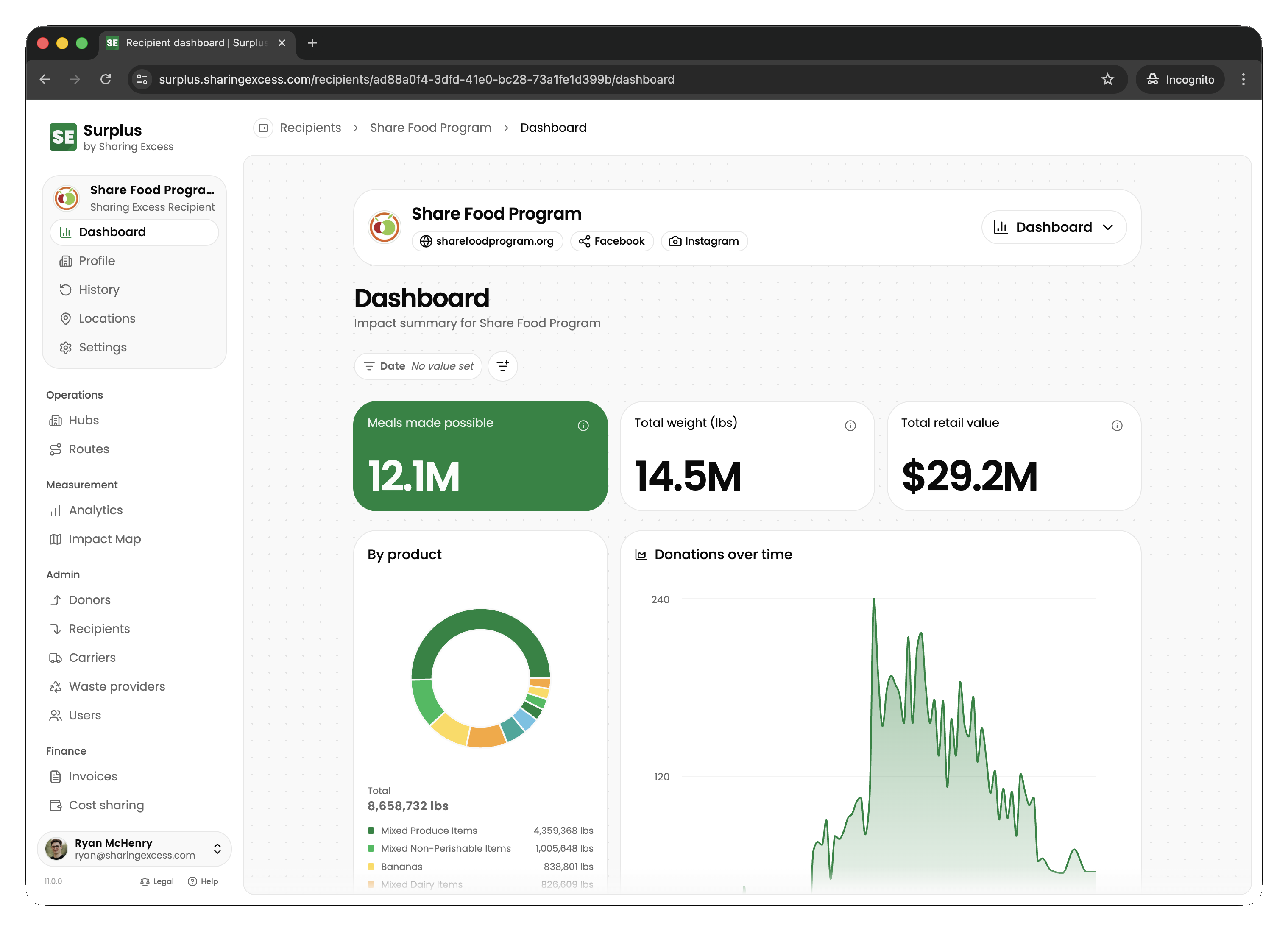
The recipient dashboard gives recipient organizations visibility into food they've received — deliveries completed, upcoming distributions, and organizational settings.
Dashboard overview
When a recipient partner signs in, they see:
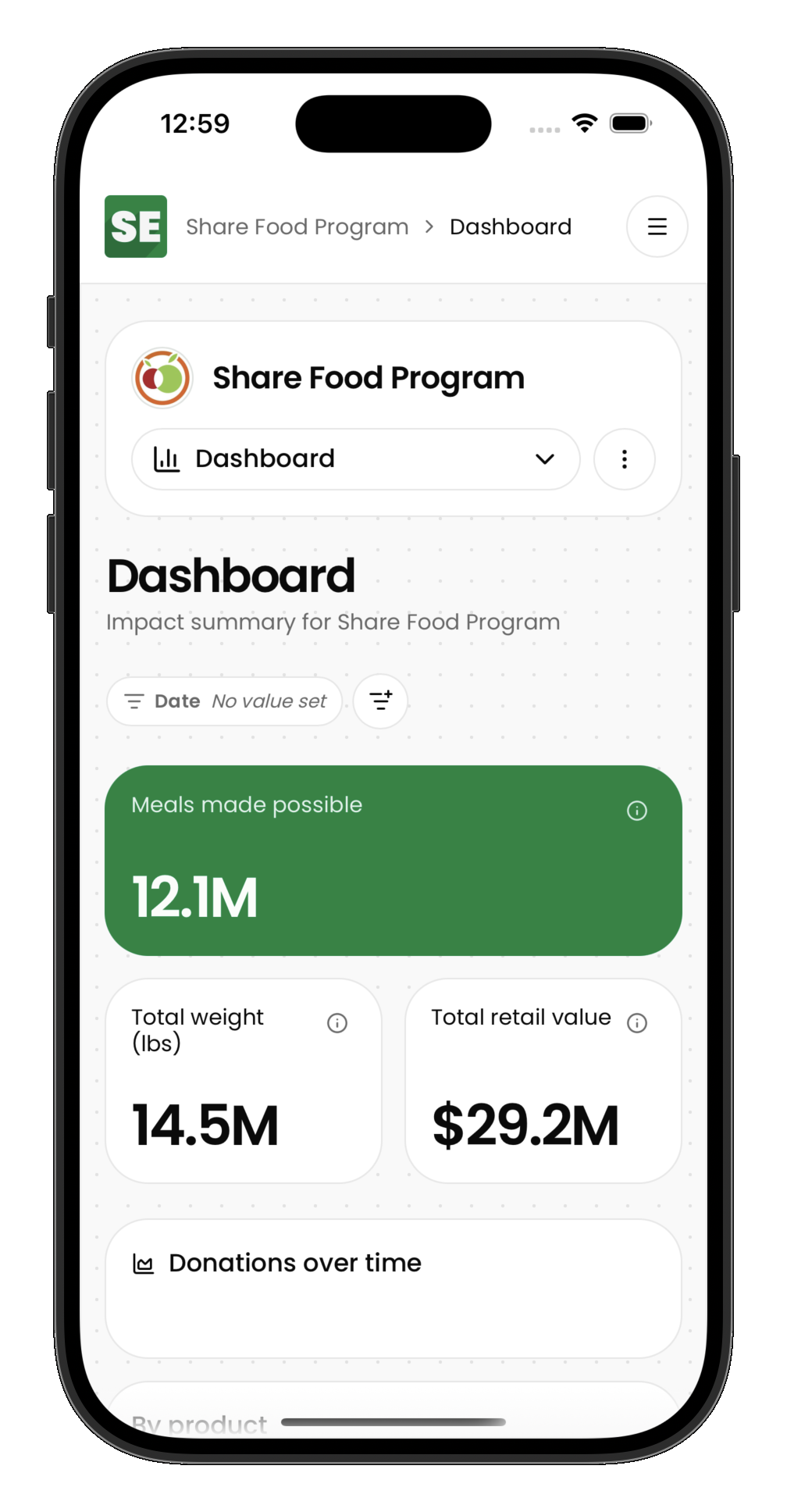
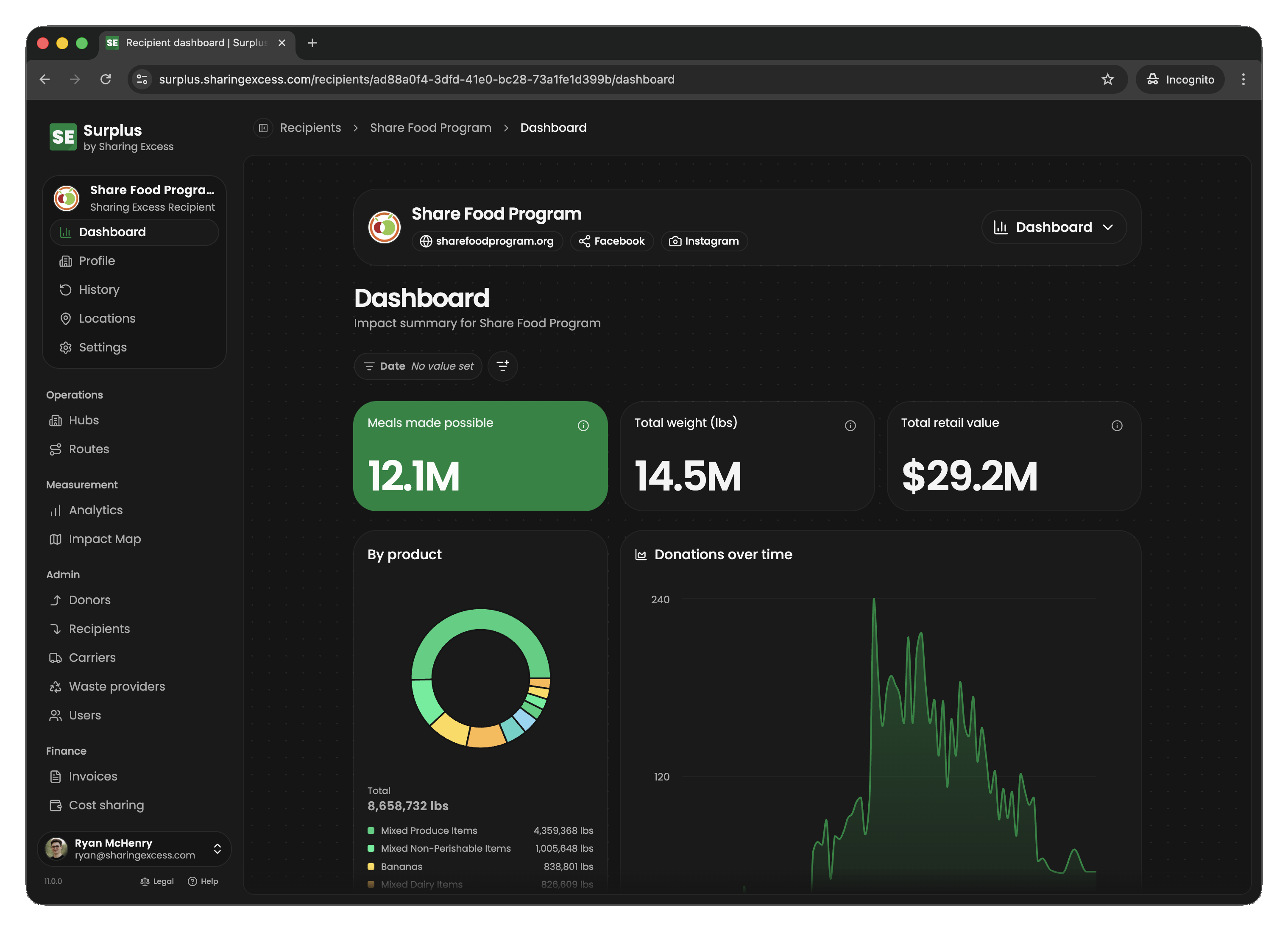
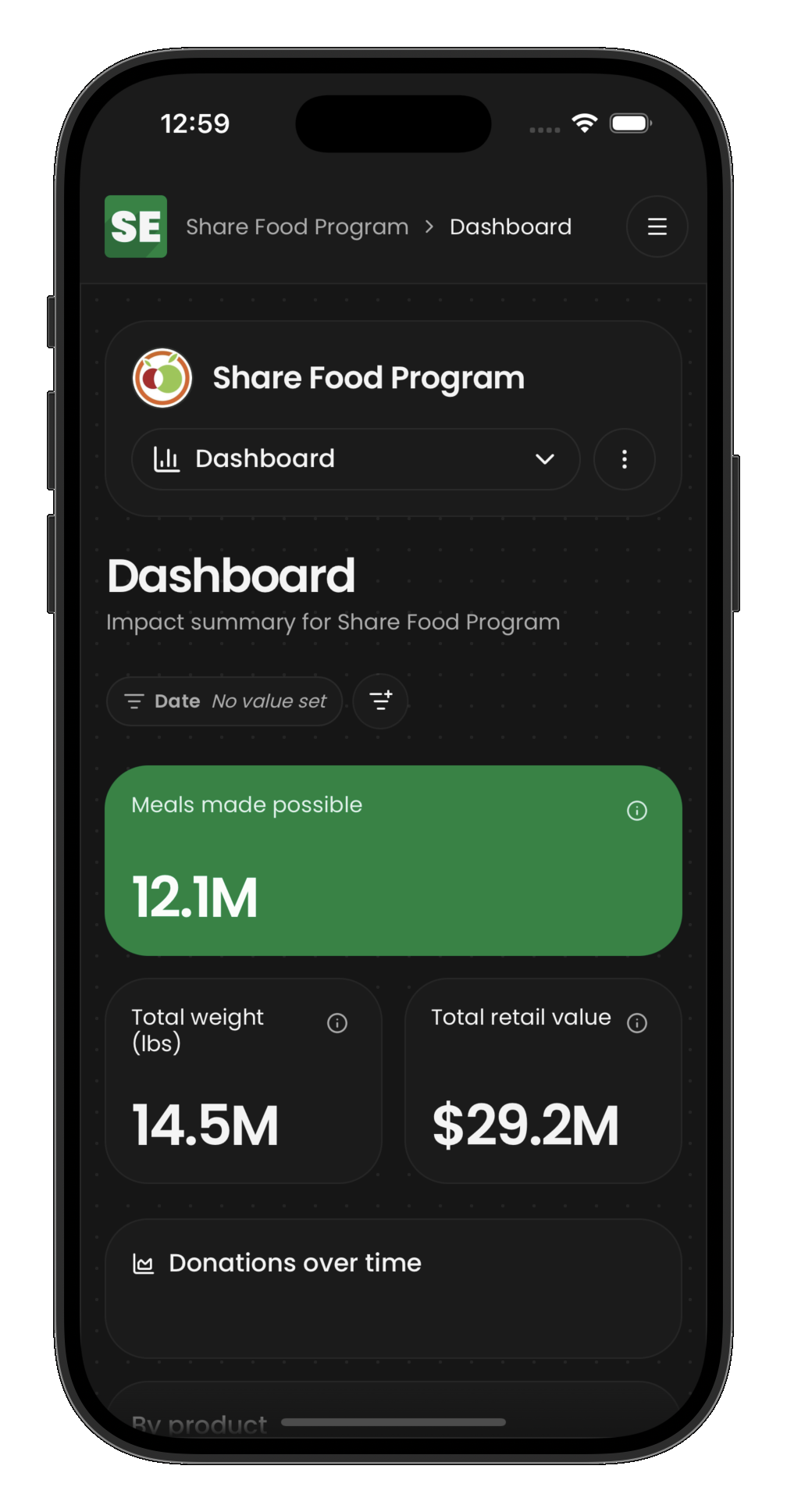
- Impact summary — total pounds received, meals made possible
- Recent distributions — latest deliveries and their status
- Quick access to distribution history and settings
Impact metrics
The dashboard shows impact from the recipient's perspective:
- Total pounds received — sum of all weights from completed distributions to this organization
- Meals made possible — estimated servings based on received weight
- Distributions count — number of completed deliveries
Filter your dashboard
Select Filters at the top of the dashboard to narrow every card and chart:
- Date — only food delivered in this date range
- Location — only deliveries to one of your locations
- Product — only the products you check. The list shows every product you've received, in alphabetical order; type to search it, and check as many as you like. Most Recent Donations then lists only deliveries that included one of them
Next steps
- Distribution history — browse every delivery received
- Update settings — manage location details and preferences